Impact Driver Won’t Reverse: Quick Fixes That Work
An impact driver won't reverse when its selector, switch, motor, or gearbox cannot change direction correctly.
An impact driver that works in forward but refuses to reverse can stop a simple repair in its tracks. The fault may be a stuck direction collar, a damaged electrical switch, worn contacts, a failed control board, or internal gear damage. This guide explains how to find the cause safely, test each likely part, and decide whether a simple fix or professional repair makes more sense.
Why an Impact Driver Won’t Reverse
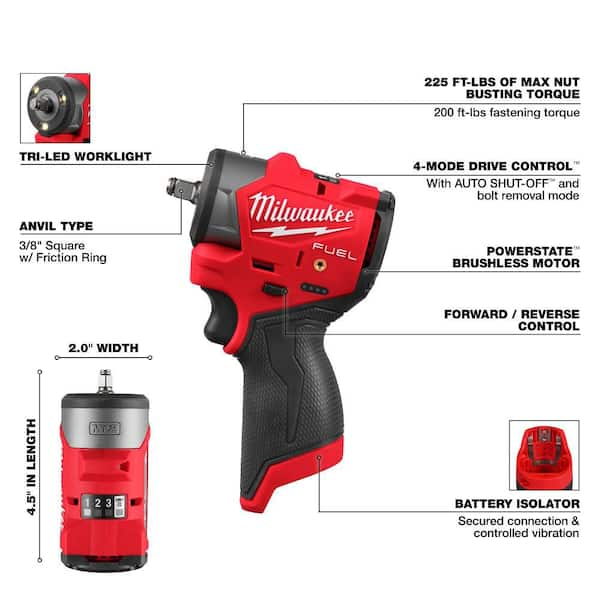
When an impact driver won’t reverse, the first step is to understand how the tool changes direction. Cordless models usually send power through a forward and reverse switch, trigger, motor, and electronic control system. A mechanical selector changes the signal or contact path that controls motor rotation.
If the tool runs normally in forward, the battery, trigger, and motor may still be partly functional. However, one failed contact can block reverse while forward continues to work.
Common causes include:
• A direction switch stuck in the forward position
• Dirt, dust, or metal filings inside the selector
• Worn or burned switch contacts
• A damaged trigger assembly
• A failed electronic control board
• Loose wires inside the handle
• A motor fault that affects reverse rotation
• Gearbox damage or a jammed internal part
• A battery or protection system problem
• Water or impact damage
Many impact drivers use electronic switching rather than a simple mechanical polarity switch. This means a tool may look mechanically fine while its control board has failed.
Safety Checks Before Troubleshooting
Before checking why an impact driver won’t reverse, remove the battery. For a corded model, unplug it from the wall. Never place your fingers near the chuck, collet, or bit while testing direction.
Also remove the bit. A stuck bit can hide the real problem and may spin without warning if the switch suddenly works.
Follow these safety steps:
- Remove the battery or unplug the tool.
- Let the tool cool if it smells hot or recently stalled.
- Inspect the casing for cracks or water damage.
- Check the battery for swelling, leakage, or heat.
- Wear eye protection during cleaning.
- Do not bypass a switch or short wires to force reverse.
- Stop if you see burned parts, melted insulation, or loose battery terminals.
A lithium-ion battery can deliver very high current. Even a small metal tool can create a dangerous short across its terminals. Battery safety guidance from major tool makers and electrical safety groups consistently warns against opening, crushing, modifying, or using damaged battery packs.

Simple Causes You Can Check First
The direction selector is the most common place to start. On many tools, the selector is a sliding bar above or behind the trigger. It may feel stiff when dust builds up around it.
Move the selector fully into reverse. Do not force it. Some impact drivers will not change direction while the trigger is pressed, so release the trigger completely before moving the switch.
Check these simple issues:
• The selector is sitting in the center lock position
• The switch has not traveled far enough
• Dust is blocking the switch movement
• The battery is not seated fully
• The battery charge is too low
• The tool is too hot and has entered protection mode
• A bit or screw is jammed in the chuck
• The trigger is partly held down
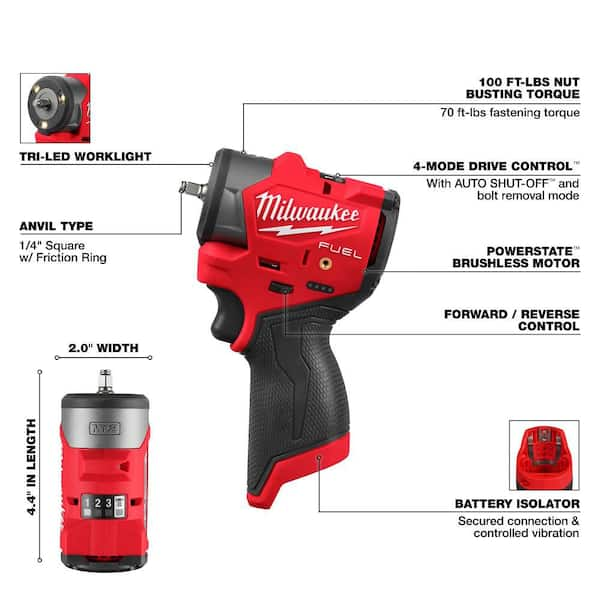
Remove the battery and brush loose dust from the switch area. Use clean, dry compressed air in short bursts. Hold the nozzle away from the tool so strong air does not push dirt deeper into the housing.
Avoid spraying oil, contact cleaner, or water into the tool unless the product manual specifically approves it. Some cleaners damage plastic parts, seals, or circuit boards.
Test the Battery and Charger
A weak battery can cause strange behavior. The tool may run forward with no load but fail when the electronics try to change direction. This is more likely when the battery is old, cold, damaged, or nearly empty.
Charge the battery with the correct charger. Then test the tool with another approved battery of the same voltage and series. This is one of the fastest ways to learn whether the impact driver or battery is at fault.
Look for these battery signs:
• The battery becomes unusually hot
• The charger shows a fault light
• The battery drops power quickly
• The tool cuts out under light load
• The battery case is swollen or cracked
• The terminals look dark, bent, or dirty
Do not use a swollen or leaking battery. Recycle it through an approved battery collection program.
If the impact driver won’t reverse with two known-good batteries, the problem is more likely inside the tool. If it works with a different battery, replace or service the original pack.
Inspect the Direction Switch
A worn direction switch can allow forward operation while blocking reverse. The switch may have separate contacts for each direction. One contact can burn or break while the other still works.
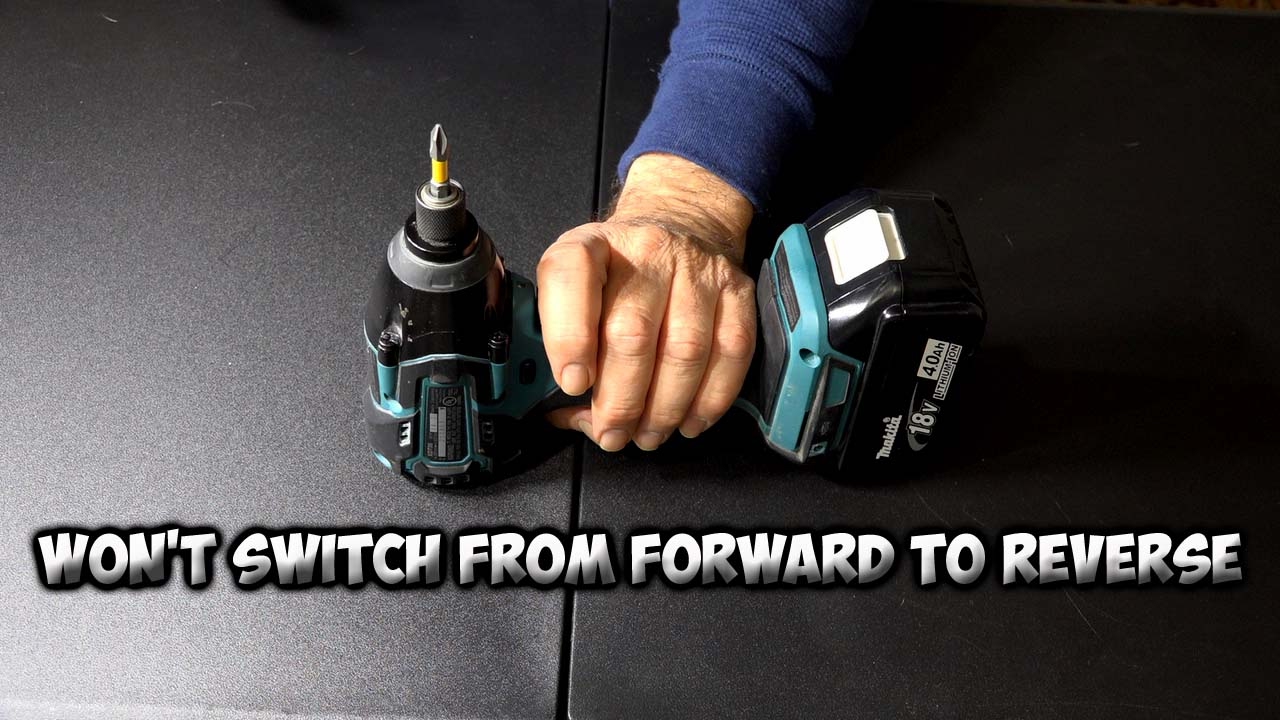
With the battery removed, move the selector back and forth several times. It should feel firm and reach both end positions. A loose selector, uneven movement, or missing click suggests a damaged switch or plastic actuator.
You can inspect the outer area for:
• Broken plastic around the selector
• A switch that slides without resistance
• A selector that will not reach the reverse position
• Dirt packed around the switch
• Signs of heat or discoloration
• A selector that springs back by itself
Do not open the handle unless you are comfortable working around electronics. Some tools contain small springs, clips, and wires that are easy to lose or damage.
If the tool is under warranty, opening the case may affect warranty service. Check the manual or contact the manufacturer before removing screws.
Check for a Trigger or Control Board Fault
Modern brushless impact drivers often use a trigger module and electronic control board. The trigger does more than turn the motor on. It may control speed, braking, current flow, and motor direction.
If the impact driver won’t reverse but the selector moves normally, the trigger module may not be receiving the reverse signal. A failed control board can also cause the tool to run in only one direction.
Possible signs of an electronic fault include:
• Forward works at every speed, but reverse never starts
• Reverse works only when the selector is held tightly
• The tool flashes an error light
• The motor pulses but does not turn
• The tool stops after a few seconds
• The tool smells like burned electronics
• The selector feels normal but has no effect
Testing voltage inside a cordless tool requires care. A digital multimeter can help an experienced technician check continuity and connections, but live testing near a high-current battery is risky.
For most homeowners, replacing the trigger module is safer than probing an energized circuit. Use the exact replacement part listed for the model. Similar-looking trigger assemblies may have different wiring or software.

Look for Loose Wires and Terminal Damage
Vibration can loosen wires or damage terminals inside an impact driver. A loose wire may allow forward operation but interrupt the reverse circuit.
Remove the battery before inspecting the handle. Look for wires pinched by the housing, disconnected spade terminals, broken solder joints, and blackened connectors.
Pay close attention to:
• Battery contact plates
• Wires near the trigger
• Connector plugs at the control board
• Motor wires
• Ground connections
• Broken solder joints
• Melted plastic around terminals
Do not twist wires together as a permanent repair. Use the correct connector, crimp, solder method, and insulation. A poor repair can create heat, sparks, or a short circuit.
In repair work, a loose connector often looks less serious than a failed board. Yet it can create the same symptom. Always inspect connections before buying expensive parts.

Consider Motor and Gearbox Problems
A motor fault can sometimes affect reverse more than forward. Brushed motors may have worn brushes, a damaged commutator, or a poor internal connection. Brushless motors depend on electronic timing, so a sensor or phase fault may prevent one direction.
Gearbox damage is less common when the tool runs smoothly in forward. Still, a broken gear, seized bearing, or damaged clutch part can stop reverse movement.
Listen carefully:
• A silent tool may have a switch or control problem
• A click may indicate a relay or electronic attempt to start
• A high-pitched whine may point to motor or board trouble
• Grinding suggests gear or bearing damage
• A burning smell suggests overheating or electrical damage
Do not keep holding the trigger when the motor only hums. A stalled motor can draw high current and damage the battery, wiring, or control board.
If forward operation makes grinding sounds, stop using the tool in both directions. Continuing to work can turn a small gear repair into a complete gearbox replacement.

How to Fix an Impact Driver That Won’t Reverse
The correct repair depends on the failed part. Start with the least invasive solution and work toward professional service.
Try this order:
- Remove and reinstall the battery.
- Test a fully charged, compatible battery.
- Release the trigger and move the selector completely.
- Clean dust from the selector area.
- Check for a jammed bit or overheated tool.
- Inspect the outer switch for damage.
- Check visible battery and handle contacts.
- Compare the behavior with the owner’s manual.
- Replace the direction switch or trigger module if properly diagnosed.
- Send the tool to an authorized repair center for board or motor faults.
A replacement switch is often affordable. A control board or brushless motor can cost much more. Compare the repair price with the cost of a new tool, especially if the driver is several years old or has heavy wear.
Use genuine parts when possible. Original parts are more likely to match the tool’s current rating, fit, and electronic design.

Mistakes to Avoid
When an impact driver won’t reverse, frustration can lead to unsafe shortcuts. Avoid forcing the selector or repeatedly pulling the trigger to “unstick” the tool.
Do not make these common mistakes:
• Do not spray household oil into the switch
• Do not bypass the direction selector
• Do not use a damaged battery for testing
• Do not connect a higher-voltage battery
• Do not run the tool with the case open
• Do not hold the trigger during a direction change
• Do not ignore smoke, heat, or a burning smell
• Do not replace electronic parts without checking the model number
One lesson that saves time is to change only one variable at a time. Test the switch, then the battery, then the tool. If you change several parts at once, you may spend money without learning what caused the failure.
Another useful lesson is to photograph wire locations before disassembly. A clear phone photo can prevent reversed connectors and misplaced screws during reassembly.
When to Repair or Replace the Tool
Repair makes sense when the tool is high quality, fairly new, or part of a battery platform you already use. A switch, trigger, or loose wire may be a simple and worthwhile fix.
Replacement may make more sense when:
• The motor and control board both show damage
• The tool has suffered water exposure
• The battery contacts are melted
• Parts are no longer available
• Repair costs approach the price of a new tool
• The tool has severe housing or gearbox damage
Check the warranty first. Many professional tool brands offer limited warranties, but coverage differs by brand and region. Keep the model number, purchase receipt, and serial number ready when contacting support.
An authorized center can test the electronic system with the correct diagnostic equipment. This is especially useful for brushless tools, where a visible switch problem may actually be a board or sensor fault.
Frequently Asked Questions About an Impact Driver Won’t Reverse
Why does my impact driver work forward but not reverse?
The direction switch, trigger module, wiring, or control board may have a fault. A weak battery can also cause one-way operation, so test the tool with a fully charged, approved battery first.
Can a dirty switch stop an impact driver from reversing?
Yes. Dust and metal filings can block the selector or prevent its internal contacts from closing. Remove the battery and clean the area with a soft brush or short bursts of dry compressed air.
Should I force the reverse switch?
No. Forcing it can break the selector, actuator, or internal switch. Move it only after releasing the trigger, and stop if it feels stuck or unusually loose.
Is it safe to use an impact driver that will not reverse?
It may be safe for limited forward use if the tool has no heat, smell, noise, or electrical damage. However, a failed control system can worsen, so repair the fault before relying on the tool for demanding work.
Can a bad battery cause an impact driver not to reverse?
Yes. A weak or damaged battery can trigger electronic protection or fail to provide stable current. Test another compatible battery, but never use one that is swollen, cracked, leaking, or hot.
How much does it cost to repair an impact driver?
The cost depends on the failed part and tool model. A switch may be inexpensive, while a control board or brushless motor can cost enough to justify replacement.
Why does reverse work only sometimes?
Intermittent reverse usually points to worn switch contacts, a loose wire, dirt, or a cracked solder joint. If pressing or moving the selector changes the result, stop using the tool and inspect or service the switch.
Conclusion
When an impact driver won’t reverse, begin with safe, simple checks. Test the battery, release the trigger, move the selector fully, clean away dust, and inspect visible connections. If those steps do not help, the direction switch, trigger module, control board, motor, or gearbox may need repair.
Do not force the switch or bypass safety parts. A careful diagnosis can prevent more damage and help you choose between a replacement part, professional service, or a new tool. Use this checklist on your driver, and share your model and symptoms in the comments if you want help narrowing down the fault.