Impact Driver Battery Drains Quickly: Fix It Fast
An impact driver battery drains quickly because of heat, heavy loads, age, poor charging, or a hidden tool fault.
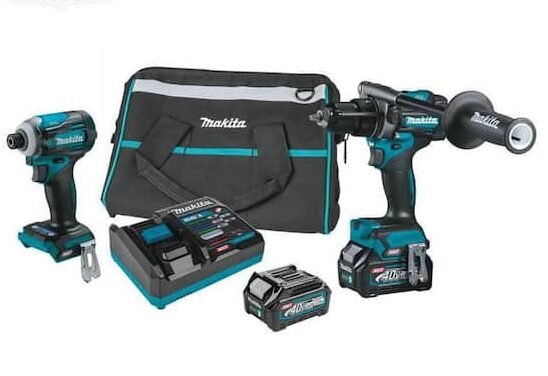
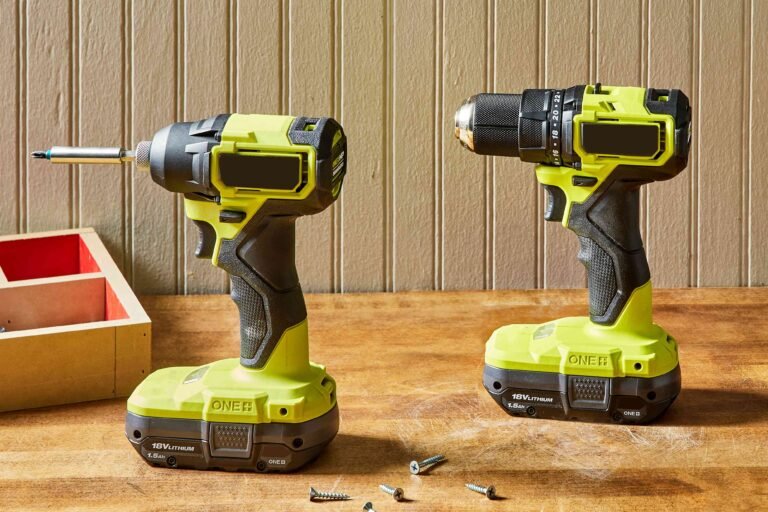
An impact driver should deliver strong bursts of power without leaving you hunting for a charger every few minutes. When an impact driver battery drains quickly, the cause may be simple, such as a worn battery, but it can also point to overload, poor storage, or a damaged charger. This guide explains how to find the real problem, test each part safely, and restore reliable runtime.
Why an Impact Driver Battery Drains Quickly
An impact driver battery drains quickly when it cannot store or deliver enough energy for the work. Lithium-ion battery packs contain several cells, a control board, and safety sensors. If one cell becomes weak, the whole pack may shut down early.
The tool also uses more power when it drives long screws, removes rusted bolts, or works with large fasteners. Short bursts are normal for an impact driver, but repeated high-load use can empty a battery much faster than light assembly work.
Common causes include:
• An old or worn battery pack
• Long periods of high torque
• A bit that binds or slips
• A dirty or damaged tool
• Extreme heat or cold
• An incorrect charger
• Poor battery storage
• A motor, switch, or control fault
• A battery that was deeply discharged too often
In my experience, users often blame the tool first. Yet a second battery usually reveals the truth. If a fresh, matching battery runs well, the original pack is the main suspect.
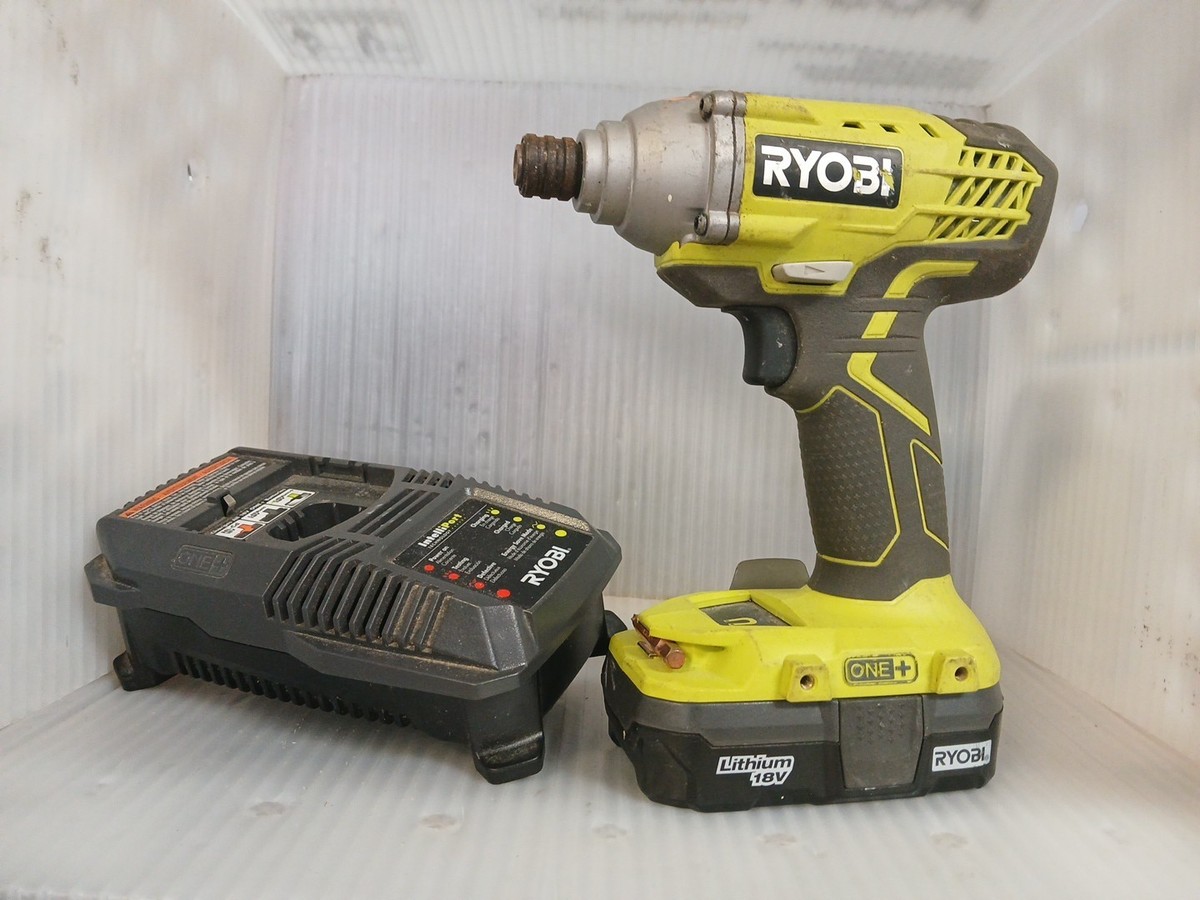
Common Signs of a Weak Impact Driver Battery
A weak battery often gives clues before it fails completely. The impact driver may start normally, then lose power after only a few screws. The LED may blink, and the tool may stop even though the fuel gauge still shows one or two bars.
Watch for these signs:
• The tool loses power under light pressure
• Runtime is much shorter than before
• The battery becomes very hot during normal use
• The charger reports a full charge too soon
• The charger refuses to charge the pack
• The battery gauge drops sharply after a few minutes
• The tool works well with another battery
• The pack has swelling, cracks, leaks, or a burnt smell
A battery that feels warm after hard work may be normal. A battery that becomes too hot to hold is not normal. Stop using it, place it on a nonflammable surface, and follow the manufacturer’s safety guidance.
Do not open a lithium-ion pack. Its cells can hold high energy, even when the pack appears empty. A damaged pack should go to an approved battery recycling center.
How Battery Age Affects Runtime
Most cordless tool batteries lose capacity over time. Each charge and discharge cycle causes small chemical changes inside the cells. Heat, deep discharge, and long storage at full charge can speed up this process.
A battery may still show a full charge while holding far less energy than it did when new. Think of it like a water tank with a smaller inner space. The gauge may say “full,” but the tank cannot hold as much water.
Battery age is not based only on the purchase date. A heavily used battery may wear out in a few years, while a lightly used pack may last longer. Runtime also depends on battery size. A 2.0 Ah battery will normally run for less time than a 5.0 Ah pack under the same load.
Replace the battery when:
• Runtime remains poor after proper charging
• The pack becomes hot during light work
• The case is swollen or damaged
• The tool cuts out under a small load
• A second battery works normally in the same tool
Do not assume a larger amp-hour battery will fix a mechanical problem. It may provide longer runtime, but it will not repair a dragging motor or damaged switch.

How Workload and Torque Drain the Battery
An impact driver battery drains quickly when the tool must produce high torque for long periods. Driving large lag screws, removing seized bolts, and drilling with large accessories can draw a great deal of current.
The impact mechanism creates sharp torque pulses. These pulses help the tool break loose fasteners, but they also demand energy. A short burst may be efficient, while holding the trigger against a stuck fastener can waste power and create heat.
Use the right tool for the job. An impact wrench is often better for large automotive fasteners. A drill with the correct bit may be better for long boring work. An impact driver is designed mainly for screws, smaller bolts, and controlled fastening.
To reduce battery strain:
• Pre-drill pilot holes in hard wood
• Use sharp, impact-rated bits
• Choose the correct drive mode
• Avoid forcing the tool after the fastener stops
• Let the tool cool during repeated heavy work
• Use a higher-capacity battery for demanding jobs
A useful habit is to stop when the tool begins to slow. That sound is a warning, not a challenge. Continuing to pull the trigger can heat the motor and battery without improving the result.

Check the Bit, Fastener, and Tool Condition
Sometimes the battery is healthy, but the accessory creates too much resistance. A dull bit, wrong socket, bent shaft, or damaged screw head can make the impact driver work harder than it should.
Remove the bit and run the tool briefly without a load. It should sound smooth and reach speed quickly. If it struggles without a bit, the problem may be inside the tool rather than in the battery.
Inspect these parts:
• Bit tip for wear or rounding
• Socket for cracks or poor fit
• Chuck or quick-release collar for dirt
• Anvil for damage or excessive movement
• Trigger for sticking
• Air vents for dust and blockage
• Motor sound for grinding or unusual noise
Clean the tool with a dry brush or low-pressure air. Avoid spraying liquid into the housing. Dust can reduce cooling and force the motor to run hotter, which may make an impact driver battery drain quickly.
In one common workshop example, a driver seemed to have a failing battery. The real issue was a worn bit that slipped inside every screw head. Replacing the bit cut the work time and restored normal battery life.

Inspect the Charger and Charging Process
A poor charging process can leave a battery partly charged. The charger may show a green light, but a poor connection, damaged contacts, or the wrong charger can prevent a proper charge.
Use the charger made for the same battery platform. Do not rely on physical fit alone. Different packs can look similar while using different voltage, communication, or safety systems.
Check the following:
• Charger contacts for dirt or corrosion
• Power cord for cuts or loose ends
• Charger vents for blocked airflow
• Battery terminals for bent metal
• Correct battery and charger voltage
• Charger light pattern and error codes
Let a hot battery cool to room temperature before charging. Charging a very hot or cold pack can reduce performance and may trigger the charger’s protection system. Follow the temperature limits in the owner’s manual because they vary by brand.
Never use a damaged charger or try to bypass a battery protection circuit. A certified replacement charger is cheaper than a fire, damaged tool, or injured user.

Test the Battery and Impact Driver Safely
A simple process can separate a battery problem from a tool problem. Test one variable at a time instead of changing the battery, bit, and task together.
Use this step-by-step check:
- Fully charge the suspected battery with the correct charger.
- Let the battery cool before testing.
- Run the impact driver with no bit for a few seconds.
- Drive the same type and size of screw into the same material.
- Repeat the test with a known-good battery.
- Test the suspected battery in another compatible tool, if available.
- Compare runtime, heat, sound, and power.
If the same battery fails in several tools, it likely needs replacement. If several batteries drain quickly in one tool, the tool may have a motor, switch, gear, or electronic fault.
A multimeter can check voltage, but voltage alone does not prove battery health. A weak pack may show normal voltage with no load and then collapse when the tool demands current. Professional battery testers measure capacity and behavior under load more accurately.
Do not short the terminals or probe sealed battery cells. Basic testing is useful, but internal lithium-ion repairs should be left to trained service technicians.
Best Ways to Extend Impact Driver Battery Life
Good habits can slow battery wear and improve runtime. The goal is to avoid extreme heat, deep discharge, and unnecessary strain.
Follow these practical tips:
• Keep two batteries in rotation
• Store packs in a cool, dry place
• Avoid leaving batteries in a hot vehicle
• Remove the battery from the tool during storage
• Charge packs before they become completely empty
• Use the correct charger and battery platform
• Clean vents and contacts regularly
• Allow hot packs to cool before charging
• Use the lowest power mode that fits the task
• Store batteries with a partial charge for long periods
Modern lithium-ion packs do not need regular full discharge cycles. In fact, repeated deep discharge can increase wear. A battery management system usually protects the pack, but protection is not a replacement for good use.
For storage lasting several months, follow the battery maker’s guidance. Many manufacturers recommend a partial charge rather than storing a pack completely full or empty. Check the manual because exact storage advice can differ.
When to Repair or Replace the Tool
An impact driver battery drains quickly because of the battery in many cases, but the tool itself can also fail. A damaged motor may draw too much current. Worn gears can create friction, and a faulty control board may shut the tool down too early.
Repair may make sense when:
• The tool is under warranty
• The housing, trigger, or chuck is damaged
• Multiple good batteries show the same problem
• The tool smells burnt or makes grinding sounds
• The tool stops without a clear battery warning
Contact an authorized service center if the tool becomes unusually hot, smokes, sparks, or makes a harsh electrical sound. Stop using it until it has been inspected.
Replacement may be more practical for an old, low-cost impact driver. Compare the repair cost with the price of a new bare tool. Keep your working batteries in mind, since staying with the same platform can reduce future expense.
Mistakes That Make Battery Drain Worse
Small mistakes can turn a normal runtime problem into permanent battery damage. The most common one is continuing to use a pack after the tool repeatedly cuts out.
Avoid these errors:
• Charging a hot battery immediately after heavy work
• Leaving batteries in direct sunlight
• Using a nonmatching charger
• Running the tool until it stops every time
• Forcing a stuck fastener for long periods
• Storing a pack in a damp shed
• Using damaged or swollen batteries
• Cleaning contacts with metal objects
• Opening the battery case
I once saw a user keep a battery in a truck during a hot summer. The pack still charged, but its runtime dropped sharply soon after. Heat is one of the quietest causes of battery aging because damage can build before obvious symptoms appear.
Treat the battery as a precision power source, not just a disposable accessory. A few minutes of care can prevent early replacement and keep your tool ready for the next job.
Frequently Asked Questions About Impact Driver Battery Drains Quickly
Why does my impact driver battery drain quickly?
The most common causes are battery age, heavy workloads, heat, poor charging, and a mechanical fault. Test the battery in another compatible tool and test the impact driver with a known-good battery to identify the source.
How long should an impact driver battery last?
Runtime depends on battery capacity, fastener size, material, tool condition, and work speed. A larger amp-hour pack usually lasts longer, but a worn battery can drain quickly even if its capacity rating is high.
Can a bad bit make the battery drain quickly?
Yes. A dull, bent, or poorly fitting bit creates extra resistance and makes the motor work harder. Use sharp, impact-rated accessories that match the fastener.
Is it safe to charge a hot impact driver battery?
Let the battery cool before charging unless the manufacturer gives different instructions. Charging outside the approved temperature range can reduce battery life and may cause the charger to stop for safety.
Should I replace the battery or the impact driver?
Test both with known-good equipment first. Replace the battery if it fails in more than one compatible tool, but have the impact driver inspected if multiple healthy batteries drain quickly in it.
Can I leave the battery on the charger overnight?
Many modern chargers stop or reduce charging after the pack is full, but you should still follow the manufacturer’s instructions. For long battery life, avoid unnecessary heat and remove the pack when practical.
Conclusion
An impact driver battery drains quickly when battery capacity has fallen, the tool faces too much resistance, or charging and storage conditions are poor. Start with a cool, fully charged battery, inspect the bit and vents, and compare the tool with a known-good battery.
Replace damaged packs at once, and seek professional service when the tool overheats, sparks, or behaves oddly. With better loading habits, proper storage, and regular checks, you can extend battery life and keep your impact driver ready for real work. Share your battery symptoms or explore your tool maker’s care guide for more practical advice.