Makita Impact Driver Keeps Shutting Off: Quick Fixes
A Makita impact driver keeps shutting off mainly because of a weak battery, overload protection, heat, or a fault in the tool.
A Makita impact driver keeps shutting off when its safety system detects a problem with power, temperature, load, or internal control parts. I have seen many cordless tools act this way after a long day on site, and the cause is often simple to find. This guide explains what each symptom means, what you can check at home, and when repair is the safer choice.
Why does a Makita impact driver keep shutting off?
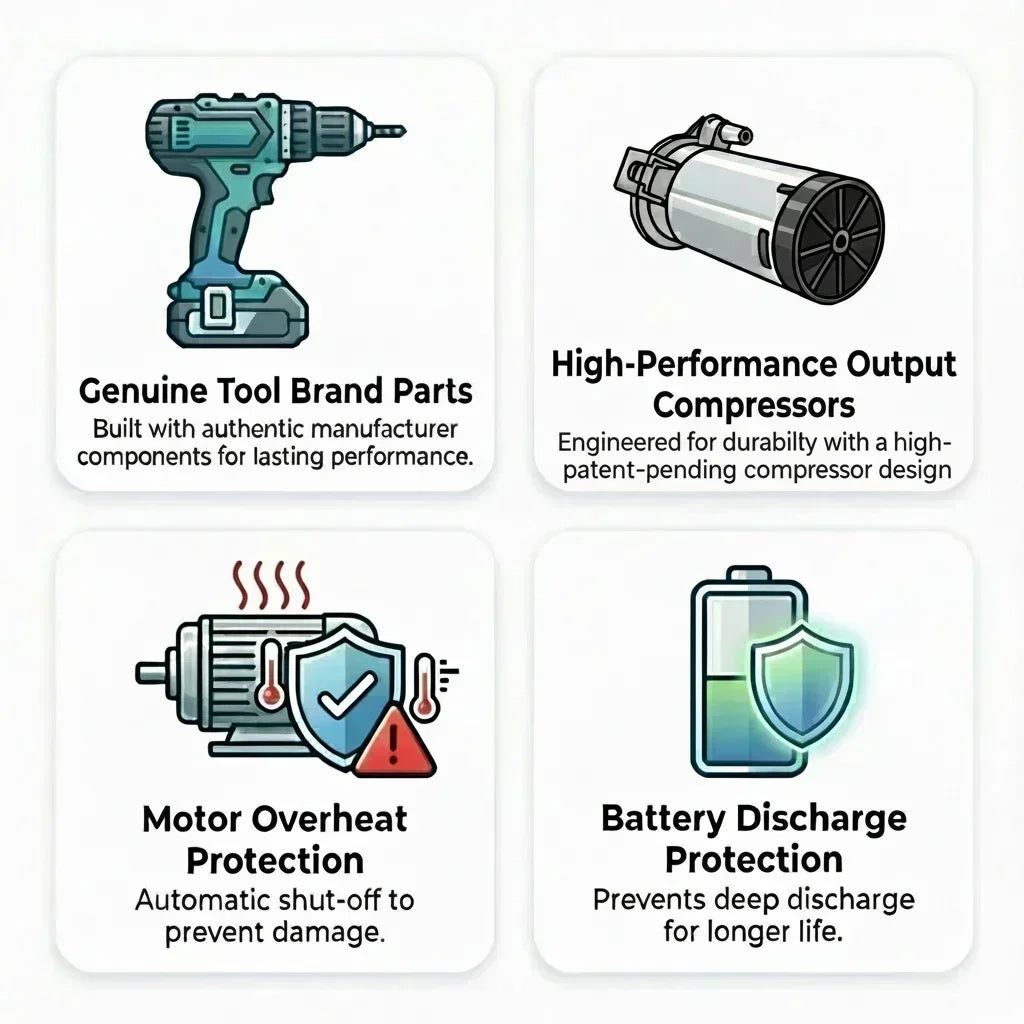
Makita impact drivers use electronic controls to protect the motor, battery, and wiring. When the tool senses too much current, excess heat, low battery voltage, or a locked bit, it may stop without warning.
This shutoff is not always a sign of a dead tool. It can be the tool’s way of saying, “Something is not right.” The key is to notice when the shutdown happens.
A Makita impact driver may stop:
• As soon as you pull the trigger
• After a few seconds of use
• Only under heavy load
• When the tool becomes hot
• When the battery is nearly empty
• After a fall, water exposure, or hard impact
A driver that stops only during heavy fastening may be protecting itself. A driver that stops with a fully charged battery and no load may have a battery, switch, or control board problem.
Common causes of a Makita impact driver keeps shutting off
Low or failing battery
A battery can show a full charge and still fail under load. Its voltage may drop sharply when the motor demands high current. The driver then shuts off to prevent damage.
This is common with older lithium-ion batteries. A battery may also fail if it was stored in extreme heat, left empty for a long time, or dropped.
Try a known-good Makita battery that matches the tool’s voltage. If the driver works normally with the second battery, the first battery is the likely cause.
Dirty or poor battery contacts
Dust, sawdust, oil, and corrosion can block a clean connection between the battery and tool. Small contact issues can cause sudden power loss when the driver vibrates.
Remove the battery before checking the contacts. Wipe them with a clean, dry cloth. Do not scrape them with a sharp metal tool, and do not spray liquid into the battery slot.
Overload protection
An impact driver can shut down when the fastener is too large, the material is too hard, or the socket is stuck. The motor draws more current as the load rises.
This often happens when driving long structural screws into dense wood or fastening large bolts. Let the tool rest, remove the load, and test it with a smaller fastener.
Excessive heat
Heat can build up in the motor, battery, and electronic controller. High ambient temperatures, long use, blocked vents, and repeated heavy fastening all increase heat.
A hot tool may stop and work again after cooling. That delay is useful information. It points more toward thermal protection than a broken trigger.
Damaged trigger or switch
The variable-speed trigger controls both power and speed. If its internal contacts are worn, the driver may cut out when you move your finger or hold the trigger at a certain point.
A trigger fault may cause intermittent behavior. The tool may run when pressed hard but stop when pressed lightly. Do not open the trigger housing unless you have the correct repair skills and parts.
Internal motor or controller fault
Brushless Makita impact drivers use an electronic controller to manage motor speed and current. A damaged controller can cause random shutdowns, weak power, or no response.
A burning smell, visible damage, smoke, unusual sparks, or repeated failure with different batteries suggests a deeper fault. Stop using the tool and arrange professional service.
A stuck socket or bit
A bit can jam in the fastener or bind against the workpiece. The motor then reaches a high load very quickly. Some tools shut down instead of allowing the motor to overheat.
Check the bit, socket, and fastener before testing again. A worn bit can also slip, which makes you hold the trigger longer and increases heat.
How to troubleshoot a Makita impact driver keeps shutting off
Follow these steps in order. This method avoids random part replacement and helps you find the real cause.
1. Remove the battery safely
Release the battery before inspecting the driver. Remove the bit or socket as well. This prevents an accidental start while your hands are near the chuck or tool nose.
If the battery is hot, swollen, cracked, leaking, or smells unusual, place it away from flammable items. Do not charge or use a damaged lithium-ion battery.
2. Check the battery charge
Charge the battery with the correct Makita charger. Watch for warning lights or an error pattern. A charger that refuses to charge one battery may be pointing to a battery fault.
Use a second battery of the correct voltage if available. Do not assume that every Makita battery fits every tool. The voltage, battery platform, and tool model must be compatible.
3. Inspect the battery and tool contacts
Look for:
• Dirt or sawdust
• Bent contact tabs
• Corrosion
• Burn marks
• Loose plastic around the battery slot
• Signs that the battery does not lock firmly
The battery should click into place and remain secure. If it moves during use, vibration may interrupt power.
4. Test the driver without a load
Install a charged battery and run the driver with no bit installed. Use the forward and reverse controls. Pull the trigger gently, then gradually increase speed.
If it shuts off with no load, the problem is less likely to be the fastener. Focus on the battery, trigger, contacts, motor, or electronics.
5. Test it with a light load
Use a short screw in soft wood. Avoid large lag screws or bolts at first. If the driver works under a light load but stops under heavy work, overload or heat protection is likely.
This test also helps separate a tool problem from a work problem. A hard knot in wood can create a sudden spike in resistance.
6. Let the tool cool
Place the driver and battery in a dry, shaded area. Do not cool them with water, ice, or compressed air aimed into the electronics.
After the tool reaches room temperature, test it again. If it runs well for a while and then stops as it heats up, check the vents and reduce the work cycle.
7. Check the vents and housing
Blocked vents can trap heat. Brush away dust from the outside with a soft brush. Keep the air openings clear during use.
Do not use a wet cloth or pour cleaner into the tool. Moisture inside the housing can damage the controller and create a shock or fire risk.
8. Check the operating mode
Some Makita models have speed settings, assist modes, or automatic stop features. These settings may change how the tool behaves near the end of a fastening cycle.
Read the manual for your exact model. A feature that feels like a fault may be a normal electronic setting.
9. Record the shutdown pattern
Write down what happens:
• Battery level when it stops
• Time until shutdown
• Fastener size
• Material type
• Tool temperature
• Whether the light stays on
• Whether the tool restarts immediately
This information can save time at a service center. It gives the technician a clear path instead of a vague report that the driver “just dies.”
Fixes for a Makita impact driver keeps shutting off
Use the correct battery
Use a genuine, compatible battery from the correct Makita platform. A battery with the wrong voltage can damage the tool or create an unsafe condition.
Avoid damaged packs and unknown replacement batteries. Some low-cost packs may lack the same protection, cell quality, or communication features as the original battery.
Clean the contacts
A dry cloth is usually enough for light dirt. For stubborn grime, follow the cleaning advice in the tool and battery manuals. Keep metal objects away from the terminals.
If you see deep corrosion or heat damage, replace the affected part rather than trying to polish it aggressively.
Reduce the load
Choose the right tool for the task. An impact driver is excellent for screws and smaller fasteners, but very large bolts may require an impact wrench.
Use the correct bit and socket. Keep the driver straight with the fastener. A crooked angle creates extra resistance and can make the tool shut down.
Improve the work cycle
Do not hold the trigger continuously during heavy fastening. Use short bursts and allow time for the motor to cool.
On hot days, rotate between tools or batteries. Keep spare batteries out of direct sun. Heat affects both battery performance and tool life.
Replace worn accessories
A rounded bit or damaged socket wastes power. It can slip, chatter, and force the motor to work harder.
Replace accessories that show wear. Good accessories are not just more convenient; they also reduce load on the driver.
Seek service for electrical faults
Stop using the tool if you notice:
• Smoke or a burning smell
• A cracked housing
• Water inside the tool
• A trigger that sticks
• Loud grinding
• Repeated shutdown with several good batteries
• A battery that becomes unusually hot
A qualified repair center can test the trigger, motor, controller, and battery under load. This is safer than bypassing a protection circuit.
What not to do when a Makita impact driver keeps shutting off
Some quick fixes can create bigger problems. Avoid these common mistakes:
• Do not bypass the battery protection system.
• Do not connect a different voltage battery.
• Do not keep pulling the trigger after repeated shutdowns.
• Do not charge a hot, wet, swollen, or damaged battery.
• Do not spray lubricant into the trigger or motor vents.
• Do not test the tool near gasoline, solvents, or loose sawdust.
• Do not open a battery pack.
• Do not ignore smoke, melting plastic, or a burning smell.
One mistake I have seen more than once is blaming the driver when the real issue is a worn socket. The socket slips, the user presses harder, and the tool trips its protection. Changing the accessory solves the problem in minutes.
Another mistake is testing only one battery. A weak battery can make a healthy impact driver look defective. Always compare the tool with a second, known-good battery when possible.
How to prevent Makita impact driver shutdowns
Good care can prevent many sudden stops. Store the tool and batteries in a dry place with moderate temperatures. Avoid leaving a battery in a hot truck or in direct sunlight.
Keep the driver clean and inspect it often. Before each job, check the battery lock, bit holder, trigger, vents, and housing.
Use these simple habits:
• Charge batteries with the correct charger.
• Remove the battery before storage if the manual recommends it.
• Keep contacts clean and dry.
• Use sharp, suitable bits.
• Match the tool to the fastener.
• Take breaks during heavy work.
• Keep batteries away from extreme heat and cold.
• Follow the instructions for the exact model.
Lithium-ion batteries perform best when they are not abused by heat, deep discharge, or physical damage. Proper storage also reduces the chance of swelling or early failure.
Manufacturer manuals provide the final word for model-specific settings, charging limits, and service instructions. Makita has many impact driver lines, so features and fault behavior can vary.

When should you repair or replace the impact driver?
Repair is often sensible when the tool is fairly new, has a clear warranty, or works with some batteries but not others. A battery replacement may cost much less than a new driver.
Replacement may make more sense when the tool has severe housing damage, repeated electronic faults, or a repair cost close to the price of a new model. Compare the tool’s age, condition, warranty, and expected use.
Do not attempt a repair if you lack experience with power tools and electronic controls. A trained technician can inspect the driver without defeating safety features.
Keep the model number and purchase details ready. The model label is usually found on the tool body, battery area, or original packaging. This helps ensure that replacement parts and advice match your driver.
Frequently Asked Questions About Makita impact driver keeps shutting off
Why does my Makita impact driver shut off with a full battery?
A full battery can still be weak under load. Test the driver with another compatible battery, then check for heat, dirty contacts, overload, or an internal fault.
Why does my Makita impact driver stop after a few seconds?
The driver may be reaching its overload or thermal limit. A hard fastener, blocked vent, worn bit, or hot battery can cause this pattern.
Can a bad battery make a Makita impact driver keep shutting off?
Yes. An aging battery may lose voltage when the motor demands current, which triggers the tool’s protection system. A known-good battery is the fastest comparison test.
Why does my Makita impact driver work again after cooling?
This usually suggests thermal protection. Reduce the load, clear the vents, avoid long trigger use, and allow both the tool and battery to cool naturally.
Should I keep using the driver if it shuts off under load?
Stop and find the cause first. Repeatedly forcing a tool that shuts down can increase heat and may damage the battery, motor, or controller.
Can dirty battery contacts cause sudden power loss?
Yes. Dust, oil, and corrosion can interrupt the electrical connection, especially when the tool vibrates. Clean the contacts carefully and check that the battery locks firmly.
Is a Makita impact driver repairable?
Many faults are repairable, including some trigger, motor, and controller problems. A service center should inspect serious electrical faults, water damage, smoke, or repeated shutdowns.
Conclusion
A Makita impact driver keeps shutting off most often because of a weak battery, poor contact, heavy load, overheating, or an electronic fault. Start with safe checks: remove the battery, test a known-good pack, inspect the contacts, run the tool without a load, and let it cool.
Do not bypass safety systems or continue using a tool that smells burnt, shows damage, or repeatedly fails. Use the troubleshooting steps above, then contact an authorized repair provider when the cause is not clear. If this guide helped, share your model and shutdown symptoms in the comments or explore more cordless tool repair guides.