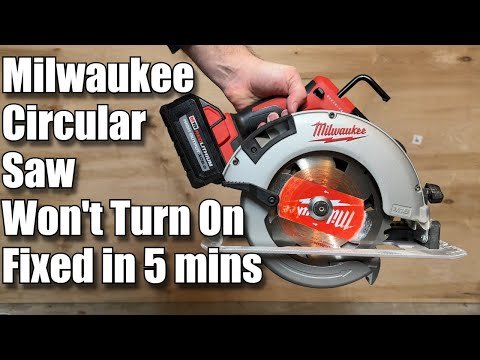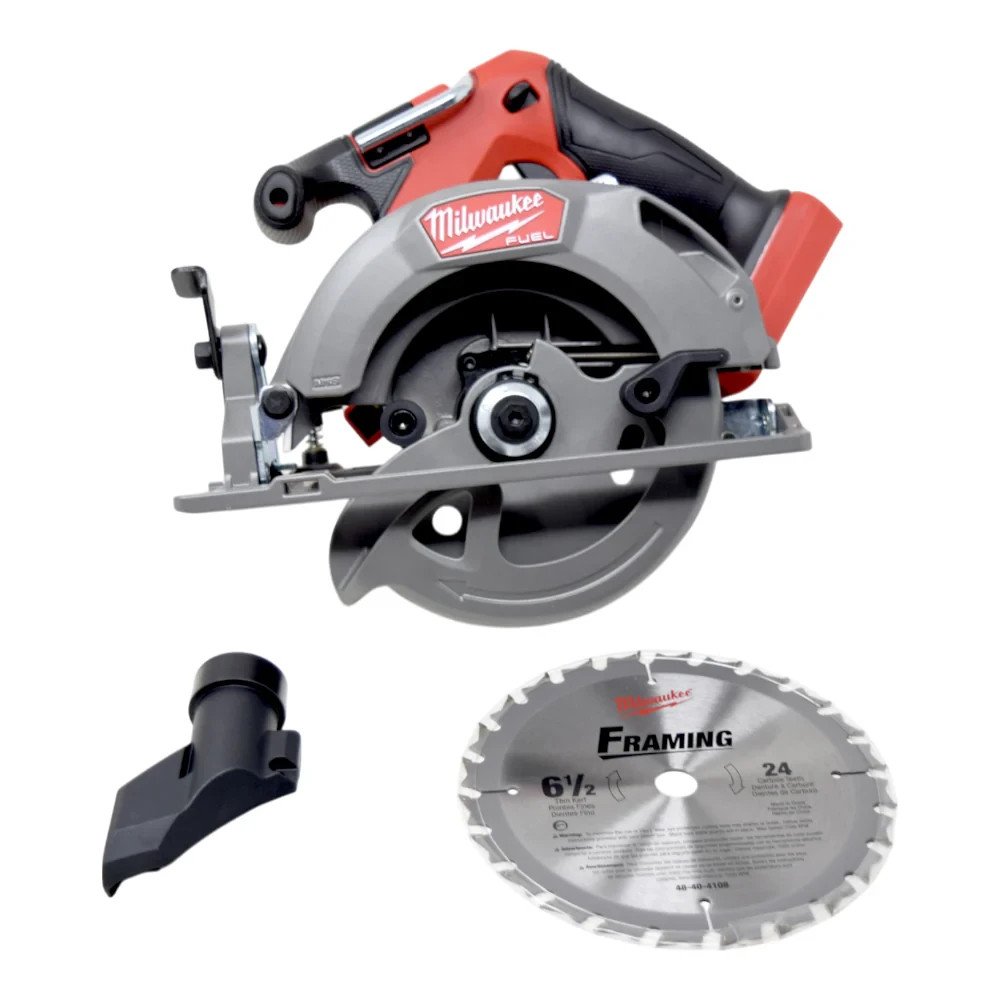
Milwaukee Circular Saw Keeps Stopping: Easy Fixes
A Milwaukee circular saw keeps stopping when its battery, blade, motor, switch, or overload protection cannot handle the load.
When a Milwaukee circular saw keeps stopping, the cause is often simple to find. A weak battery, dull blade, tight cut, dirty vents, or electronic protection can interrupt power. This guide explains how to test each cause safely, using practical steps that apply to most Milwaukee M18 and M12 circular saws.
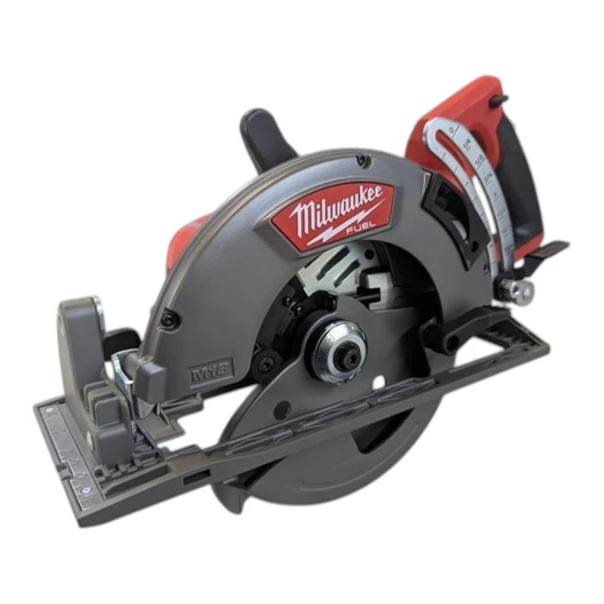
Why does a Milwaukee circular saw keep stopping?
A circular saw needs steady power and a free moving blade. If the saw meets too much resistance, its electronics may shut the motor down to prevent damage. This can feel like a fault, but it may be normal overload protection.
The most common causes include:
• Low or damaged battery
• Loose battery connection
• Dull, bent, or incorrect blade
• Cutting material that is too thick or hard
• Pushing the saw too fast
• Pinching the blade in the cut
• Blocked cooling vents
• Faulty trigger switch
• Motor or electronic control failure
A Milwaukee circular saw keeps stopping more often when the saw is used under heavy load. Long rip cuts, wet lumber, pressure-treated wood, and dense sheet goods can all place extra strain on the motor.
It is also important to check the exact model. A Milwaukee M18 FUEL rear-handle saw may behave differently from a compact M18 model. Features such as electronic brakes, overload control, and REDLINK electronics vary by model.

Start with safety
Stop using the saw if you smell burning, see smoke, hear grinding, or notice sparks near the motor. Remove the battery before checking the blade, guard, base, or housing.
Follow these safety steps:
-
Release the trigger and wait for the blade to stop fully.
-
Remove the battery from the saw.
-
Keep your finger away from the trigger.
-
Wear eye and hearing protection during testing.
-
Use a stable work surface and support the material.
-
Never bypass a safety switch or electronic protection system.
The blade may stop turning while the motor still has stored energy. Treat the saw as active until the battery is removed and the blade has stopped.
A common mistake is checking the blade while the battery remains attached. I have seen this happen during busy work, when someone wants to save a few seconds. Those few seconds are not worth the risk.

Check the battery first
The battery is the fastest part to test. A Milwaukee circular saw keeps stopping when the battery voltage drops under load, even if the fuel gauge still shows charge.
Try these steps:
• Remove the battery and inspect its contacts.
• Check for dirt, sawdust, rust, or damage.
• Install a fully charged battery of the correct voltage.
• Test the saw with a second known-good battery.
• Let a hot battery cool before testing again.
M18 tools need M18 batteries, while M12 tools need M12 batteries. Do not use a damaged pack, modified pack, or battery that has been exposed to water.
High-output batteries often perform better in demanding saws. However, a high-capacity battery cannot fix a failed motor or a bad connection. If the saw works with one battery but stops with another, the battery is the main suspect.
A battery can also enter protection mode. This may happen after a hard cut, high heat, or a short circuit. Remove the pack, let it rest, and charge it with a compatible Milwaukee charger. If it repeatedly shuts down, replace it or have it tested.
Inspect the blade and cutting setup
A dull blade creates more resistance. That resistance makes the motor draw more current and may cause the saw to stop. It also makes the cut slower and less accurate.
Remove the battery before inspecting the blade. Look for:
• Missing or damaged teeth
• Pitch, glue, or resin buildup
• A bent blade
• A blade that wobbles
• The wrong blade diameter
• A blade with the wrong arbor size
• A blade installed backward
Use a blade made for the material. A framing blade is suited to construction lumber. A fine-tooth blade is better for plywood or trim. A metal-cutting blade is needed for approved metal applications.
Do not use a blade that is too large or too thick for the saw. The blade guard, arbor, and motor are designed for specific blade sizes. The correct size is listed in the owner’s manual and on the saw label.
A Milwaukee circular saw keeps stopping when the blade is pinched. Support the workpiece on both sides of the cut, but keep the blade path clear. If the board bends toward the blade, it can clamp the teeth and stop the motor.

Change how you make the cut
Many stopping problems come from feed pressure. The saw is not a drill, so forcing it through wood can overload the motor.
Use this method:
-
Mark the cut clearly.
-
Set the cutting depth so the blade extends slightly below the material.
-
Place the front of the shoe on the workpiece.
-
Start the motor before entering the cut.
-
Move at a steady pace.
-
Let the blade do the work.
-
Keep the shoe flat on the material.
If the saw slows down, reduce pressure. If it stops, release the trigger and let the tool cool. Pulling the blade out while the trigger is held can make kickback more likely.
For thick lumber, make sure the material is supported. A board that sags can close the cut behind the blade. This creates a pinch that feels like a motor failure.
I once had a saw stop several times during a long plywood cut. The battery was fine. The real problem was poor support under the sheet. Once the sheet was supported along the cut line, the saw ran normally.
Check for overheating
A Milwaukee circular saw keeps stopping after several hard cuts when the motor or battery becomes too hot. Electronic protection may cut power until the temperature falls.
Heat can build up because of:
• Long cuts without a break
• A dull blade
• Blocked air vents
• High outdoor temperatures
• Heavy pressure on the saw
• Cutting thick or dense material
Place the tool in a cool, dry area and remove the battery. Do not cool it with water, ice, or compressed air aimed deep into the housing. Sudden moisture can damage electrical parts.
Inspect the vents for sawdust. Use a soft brush or gentle air flow around the openings. Avoid forcing debris farther into the tool.
If the saw stops when hot but works again after cooling, do not assume the problem is solved. Repeated overheating can shorten motor and battery life. Find the source of the load before returning to work.

Test the trigger, brake, and electronics
If the battery and blade are good, inspect the operating behavior. A faulty trigger may cause intermittent power. The saw may run only when the trigger is held in a certain position.
Watch for these signs:
• The motor cuts out when the handle moves
• The trigger feels loose or sticky
• The saw starts and stops without load
• The blade brake acts strangely
• The saw works only after tapping the housing
• The battery indicator flashes an error
Do not open the housing unless you are trained to repair cordless power tools. The switch, controller, and motor connections can be damaged by incorrect testing.
Some Milwaukee saws use electronic controls that monitor current, temperature, and battery condition. If the controller detects an unsafe condition, it may stop the saw. This is one reason a Milwaukee circular saw keeps stopping even when no obvious mechanical problem appears.
Never bridge wires or remove a safety feature. That can create a shock, fire, or kickback hazard. If the saw stops with no blade load and a known-good battery, professional service is the safer choice.
What the sounds and symptoms can tell you
The sound often gives a useful clue. A sudden clean stop usually points to battery protection, overload control, or a poor connection. A slow loss of speed often points to a dull blade, heavy feed pressure, or low battery power.
Use this symptom guide:
• Stops only in thick wood: reduce feed pressure and check the blade.
• Stops with every battery: inspect the switch, contacts, and electronics.
• Stops after a few minutes: check heat and blocked vents.
• Sparks or smells burnt: stop using the saw and seek service.
• Blade wobbles: remove and replace the blade.
• Motor runs but blade does not: stop immediately and inspect the drive system.
• Saw works after moving the battery: check the battery latch and terminals.
This approach saves time. Start with external parts before suspecting the motor. Batteries, blades, and cutting technique are easier and less expensive to test than electronic components.

When should you repair or replace the saw?
A simple blade or battery problem is usually worth fixing. A damaged battery should be recycled through an approved battery program, not placed in household trash.
Professional service is a good choice when:
• The saw stops with no load
• The motor makes grinding sounds
• The housing is cracked
• The trigger does not work correctly
• The tool has a burning smell
• The blade shaft has excessive play
• The saw has suffered water damage
Check the warranty before paying for repair. Keep the model number, serial information, purchase record, and a clear description of the fault. The exact warranty terms may vary by product and region.
Do not judge a repair only by cost. A reliable saw with a minor switch or controller problem may be worth servicing. A heavily worn saw with battery, motor, and mechanical damage may cost more to restore than to replace.
How to prevent stopping problems
Good care reduces the chance that a Milwaukee circular saw keeps stopping during important work.
Follow this routine:
• Charge batteries before demanding jobs.
• Rotate batteries during long work sessions.
• Keep spare batteries cool and dry.
• Clean the saw after cutting.
• Use a sharp blade made for the material.
• Set the correct cutting depth.
• Support boards and sheet goods properly.
• Avoid forcing the saw.
• Store the tool without a battery attached.
• Inspect the blade and shoe before each job.
Store lithium-ion batteries away from extreme heat, moisture, and metal objects that could bridge the terminals. Use only the charger recommended for the battery system.
Read the manual for your exact Milwaukee model. General advice helps, but the manual contains the correct blade size, cutting limits, warning lights, and service instructions.
A simple troubleshooting checklist
Use this checklist when a Milwaukee circular saw keeps stopping:
-
Remove the battery and inspect the saw for damage.
-
Install a fully charged, compatible battery.
-
Test a second battery if available.
-
Check the battery contacts and latch.
-
Inspect the blade for dullness, damage, or incorrect installation.
-
Confirm that the blade size matches the saw.
-
Support the material on both sides of the cut.
-
Reduce feed pressure and avoid forcing the tool.
-
Clean the cooling vents.
-
Let the saw and battery cool.
-
Test the saw without cutting material.
-
Stop and arrange service if it still shuts down.
If the saw runs freely without a load but stops in the cut, focus on the blade, material support, cutting depth, and feed speed. If it stops without touching wood, focus on the battery, trigger, wiring, controller, or motor.
Frequently Asked Questions About Milwaukee Circular Saw Keeps Stopping
Why does my Milwaukee circular saw stop in the middle of a cut?
The saw may be overloaded by a dull blade, fast feed speed, thick material, or a pinched cut. Try a sharp blade, better material support, and less pressure.
Why does my Milwaukee saw stop even with a full battery?
A full battery can still be weak under load or too hot to operate. Test another compatible battery and inspect the contacts, vents, and battery latch.
How long should I wait after the saw overheats?
Let the saw and battery cool in a dry, shaded place before testing again. If it repeatedly overheats during normal cuts, inspect the blade and cutting method or arrange professional service.
Can a dull blade make a Milwaukee circular saw stop?
Yes. A dull blade creates extra drag and raises motor demand. Replace or sharpen the blade according to the blade maker’s instructions.
Why does my circular saw stop when cutting thick wood?
Thick wood can overload the motor, especially when the blade is dull or the cut closes around the blade. Use the proper blade, support the wood, and move through the cut at a steady pace.
Should I open the saw if it keeps shutting off?
Do not open the housing unless you have the proper training and tools. A trigger, controller, or motor fault should be checked by an authorized or qualified repair technician.
Conclusion
A Milwaukee circular saw keeps stopping most often because of a weak battery, excess heat, a dull blade, poor material support, or too much cutting pressure. Begin with safe, simple checks before suspecting the motor or electronic controller.
Use a sharp blade, match the blade to the material, support every cut, and allow the tool to cool. If the saw stops without a load, smells burnt, sparks, or fails with several good batteries, stop using it and seek professional service. Share your model and symptoms in the comments, or explore the manufacturer’s repair resources for the next step.