Impact Driver Makes Clicking Noise: Causes And Fixes
An impact driver makes clicking noise when its impact mechanism, bit holder, or internal parts move under load.
An impact driver makes clicking noise for several reasons, and not every click means the tool is failing. A light, regular click during hard driving is often normal, but a sharp click at idle, a grinding sound, or sudden loss of power needs attention. This guide explains the causes, simple tests, safe fixes, and signs that call for professional service.
Why an impact driver makes clicking noise
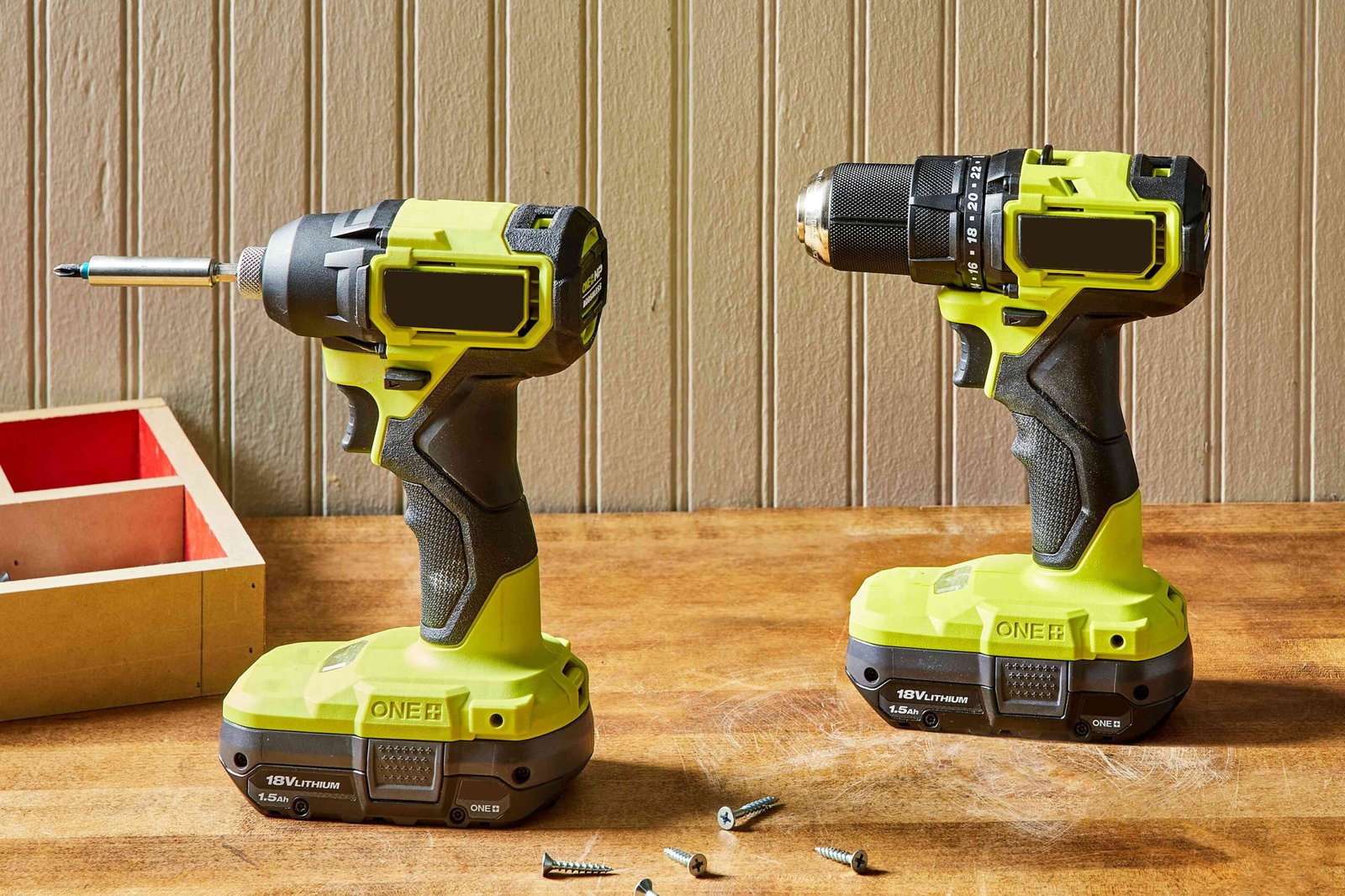
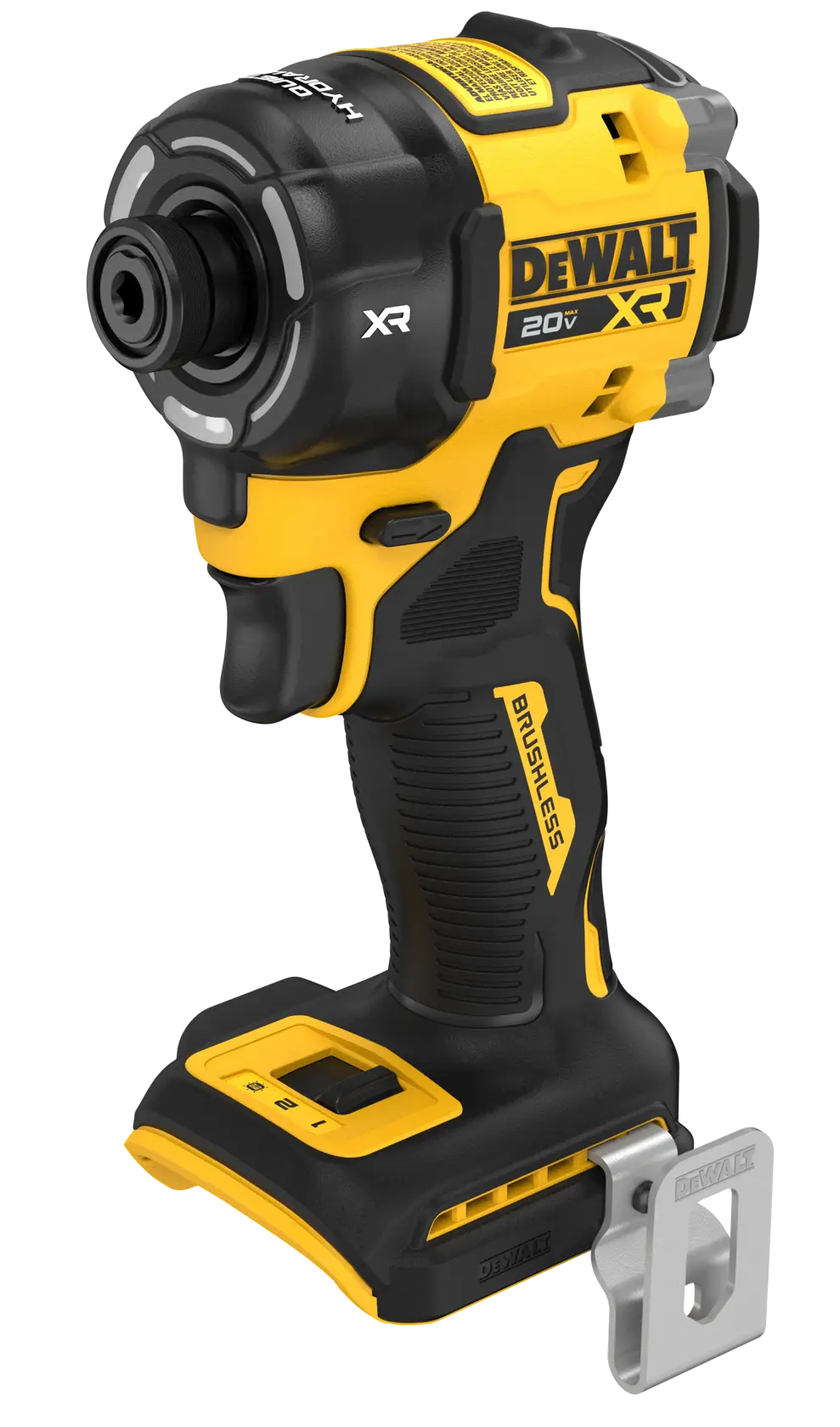
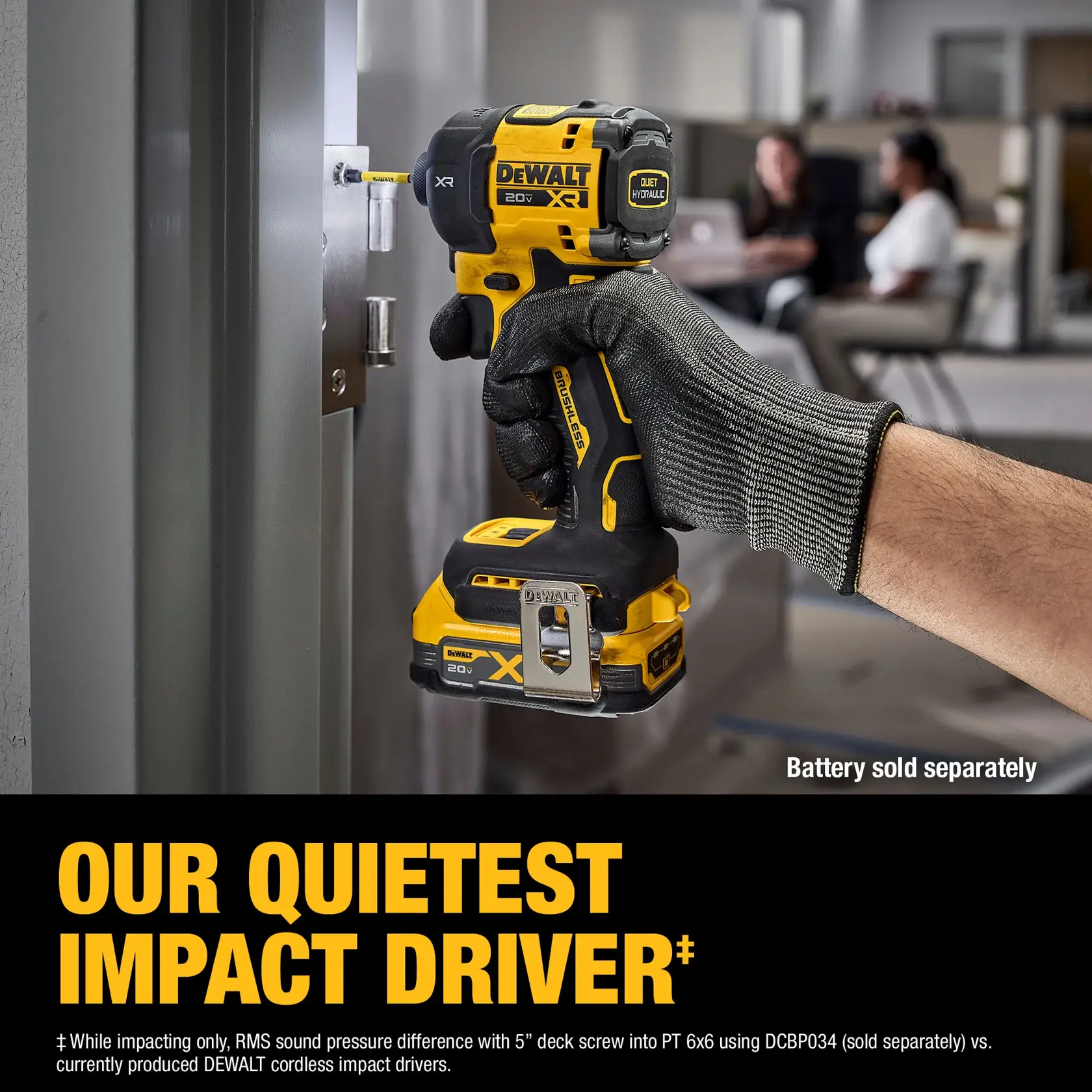
An impact driver uses two main actions. Its motor turns the drive shaft, while a hammer-and-anvil system delivers short bursts of torque when the fastener resists. Those bursts can create a clear clicking or rattling sound.
When an impact driver makes clicking noise only while driving a tight screw or bolt, the sound may be normal. The hammer strikes the anvil many times per second. The noise usually becomes faster as the tool reaches full speed and stronger as the fastener becomes harder to turn.
A light click can also come from the quick-release chuck. The bit may move slightly inside the collet, especially if the shank is worn, dirty, or not fully inserted. This sound often stops when you remove the bit and run the tool briefly.
However, noise from an impact driver makes clicking noise can also signal a loose screw, damaged gear, worn bearing, or broken impact spring. The timing and location of the sound matter more than the sound alone.
:max_bytes(150000):strip_icc()/SPR-impact-driver-vs-drill-5116867-hero-37b95592c1a44e97baa3de9f859fbd0a.jpg)
Normal impact driver sounds versus warning signs
Knowing what normal operation sounds like can prevent unnecessary repairs. A healthy impact driver may produce a short motor whine, a faint bit-holder rattle, and a rapid hammering sound under load.
Normal sounds often have these traits:
• The clicking starts only when the tool meets resistance.
• The sound is fast and fairly even.
• The tool still has strong power and smooth trigger control.
• There is no burning smell, smoke, unusual heat, or oil leak.
• The noise stops when you release the trigger.
Warning signs are different. A clicking sound that continues at no load may point to a damaged gear or loose internal part. A slow, uneven click can suggest a cracked tooth, worn anvil, or problem with the hammer assembly.
Stop using the tool if you notice:
• Metal dust or loose parts near the chuck.
• A sudden drop in torque.
• Severe vibration or movement in the housing.
• A hot battery, melted plastic, or burning odor.
• A click that changes into grinding, squealing, or knocking.
When an impact driver makes clicking noise and loses power at the same time, do not keep testing it under heavy load. Continued use can turn a small repair into a damaged motor, gearbox, or battery.
Common causes of an impact driver makes clicking noise
The impact mechanism is engaging
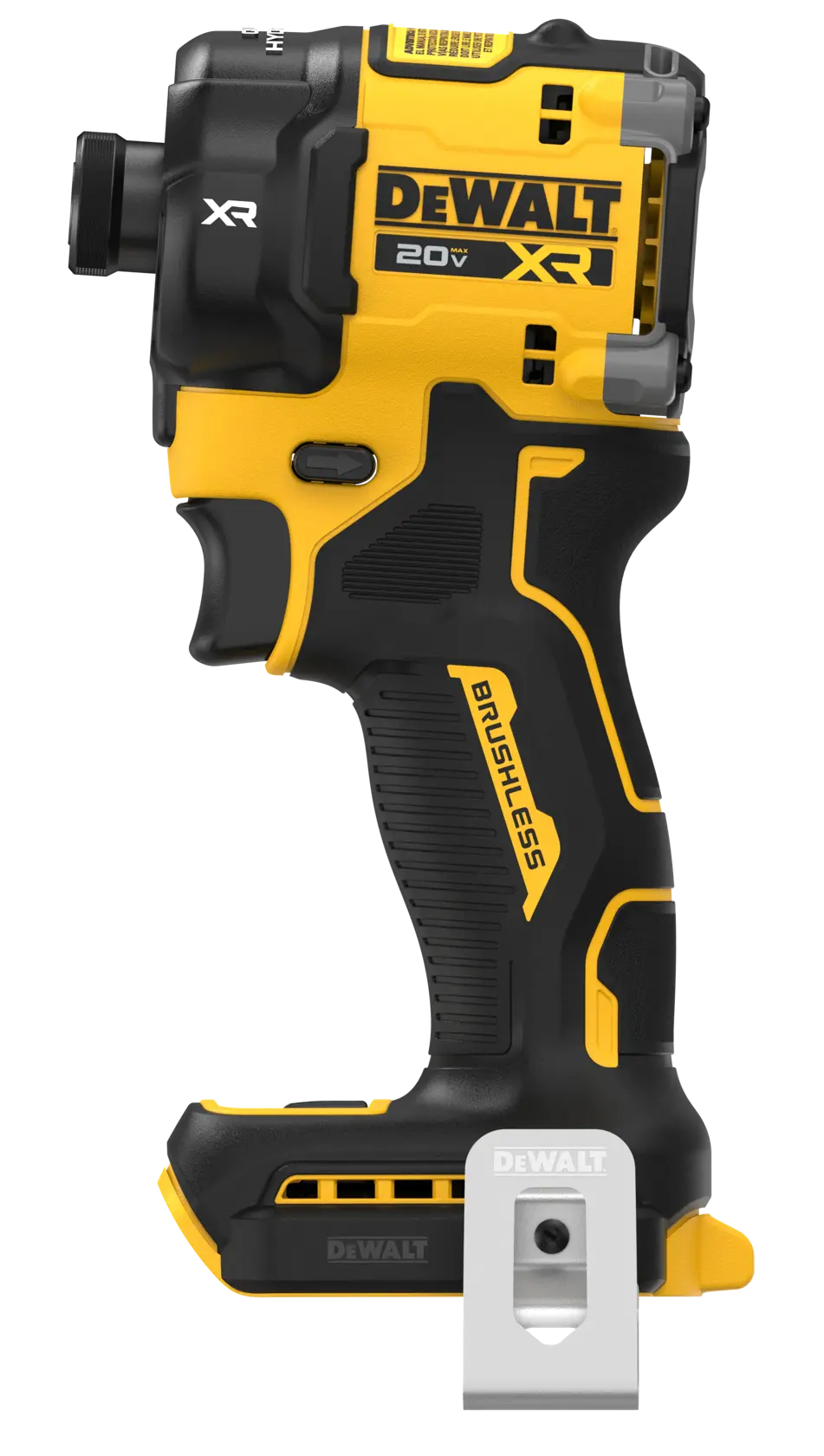
This is the most common cause. The hammer and anvil engage when the fastener needs more torque than the motor can provide alone. The repeated strikes sound like rapid clicks or taps.
This noise is expected when driving long structural screws, removing rusted bolts, or tightening a fastener near its final torque. It should not happen constantly during light work.
The bit is loose or worn
A hex bit must sit fully inside the quick-release collet. Dust, wear, or a weak retaining spring can let the bit move. That movement can create a sharp click each time the tool changes direction.
Try a new, quality bit. Push it fully into the holder, then pull it gently to confirm that the collet has locked it in place.
The collet or retaining ball is dirty
The small ball inside the chuck helps hold the bit. Sawdust, metal chips, and dried grease can limit its movement. The bit may then rattle or click during use.
Clean the holder with compressed air. Wear eye protection, and keep the air pressure moderate. Do not push a sharp object deep into the chuck because it can damage the retaining parts.
A loose housing screw
Impact drivers vibrate by design. Over time, a case screw can loosen. The two housing halves may then tap against each other and create a clicking or ticking noise.
Remove the battery before checking the case. Tighten only accessible screws with the correct driver bit. Do not open the gearbox unless you understand the tool’s warranty and repair requirements.
Worn gears or bearings
Gears and bearings can wear after heavy use, high heat, or poor lubrication. A worn gear may click once per rotation, while a damaged bearing may create a rough, repeating sound.
This type of noise often appears at no load. It may also grow louder as motor speed increases. Internal gear repair is usually best left to an authorized service center.
A weak or damaged battery
A battery does not usually create a mechanical click by itself. Yet a weak battery can make the motor start and stop, which may sound like clicking. Dirty terminals or a battery protection circuit can produce similar symptoms.
Test the tool with a fully charged, compatible battery. If the noise remains with a second known-good battery, the tool is more likely to be the source.
:max_bytes(150000):strip_icc()/SPR-impact-driver-vs-drill-5116867-hero-37b95592c1a44e97baa3de9f859fbd0a.jpg)
How to diagnose the clicking sound safely
A short test can help you identify the source without taking the tool apart. Work in a bright area, remove the bit, and keep your hands away from the rotating drive.
Follow these steps:
-
Remove the battery and inspect the tool for cracks, loose screws, and damaged plastic.
-
Check the bit for rounded edges, bends, or chips.
-
Clean the quick-release chuck with compressed air.
-
Install a new bit and make sure it locks firmly.
-
Test the tool with a fully charged battery.
-
Run it briefly with no bit and no load.
-
Drive a small screw into soft wood at low speed.
-
Repeat the test with a larger fastener only if the tool sounds normal.
Listen to where the noise comes from. A click at the front often involves the bit holder or anvil. A click from the center of the housing may involve the gearbox. A sound near the battery may involve electrical contact or battery protection.
When an impact driver makes clicking noise only during high resistance, the impact system is the likely cause. When it makes the same sound at idle, the problem deserves closer inspection.

How to fix an impact driver makes clicking noise
Start with simple maintenance. Many clicking complaints come from a loose bit, debris, or a worn accessory rather than a failed tool.
Try these practical fixes:
• Replace the bit with a new impact-rated hex bit.
• Clean the chuck and bit shank.
• Use a battery that matches the tool’s voltage and model range.
• Tighten visible case screws carefully.
• Let an overheated tool cool for at least 15 to 30 minutes.
• Check the manual for approved lubrication points.
Do not spray general-purpose oil into the motor vents or chuck. Oil can reach the clutch, electrical parts, or grease intended for the gearbox. Use only lubricant listed by the manufacturer.
If the impact mechanism clicks at no load, do not force the repair. The hammer, anvil, spring, gears, and bearings require correct alignment. A poorly assembled gearbox can fail quickly and may create a safety hazard.
A service center is the better choice when:
• The tool is under warranty.
• The gearbox is noisy without a bit installed.
• The tool has lost torque.
• The housing is cracked or melted.
• Internal parts show rust or metal debris.
• You cannot identify the sound after basic checks.
Mistakes to avoid when an impact driver makes clicking noise
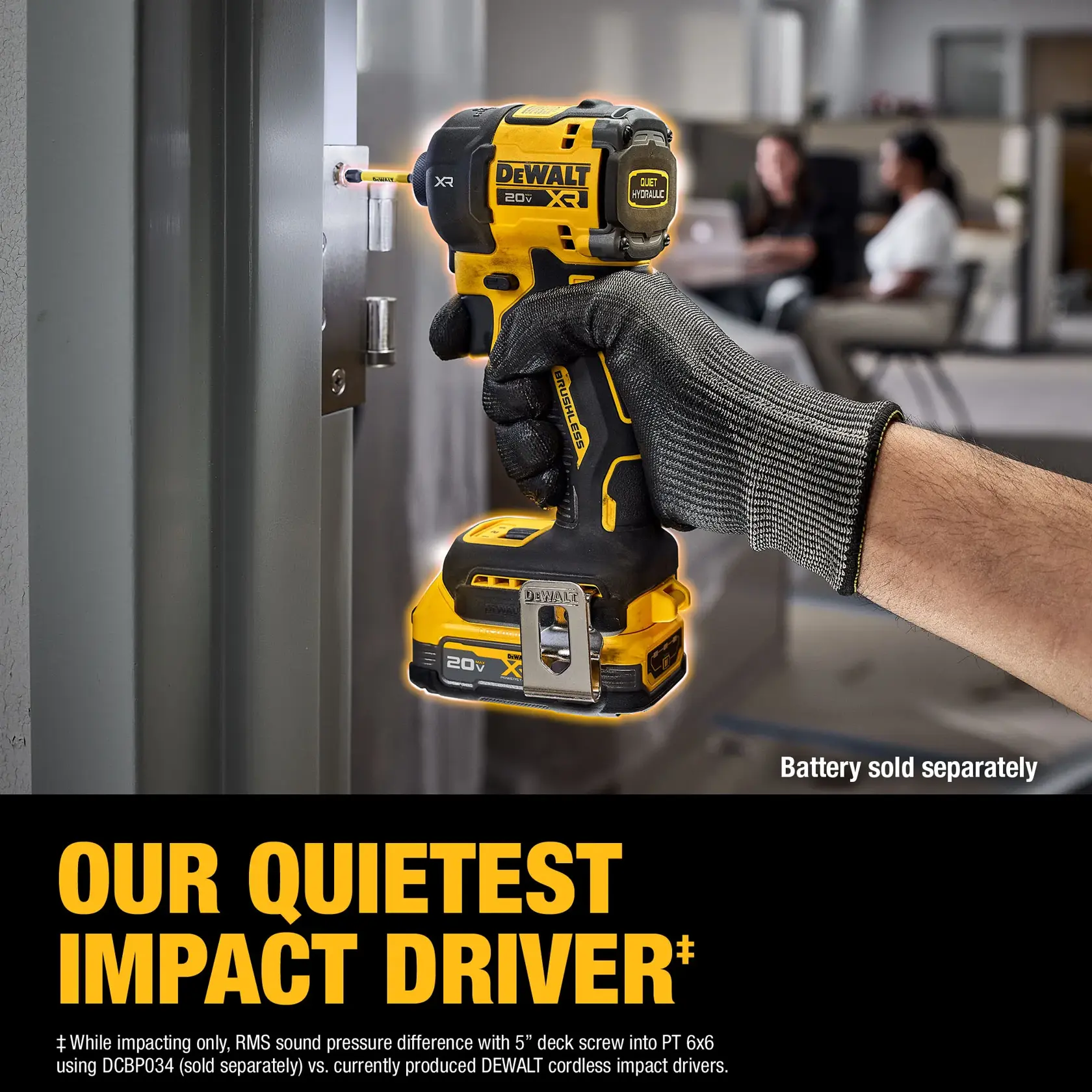
One common mistake is assuming every click is normal. Impact tools are noisy, but a new sound that appears suddenly deserves attention. Compare the tool with its normal sound, not with another model that may use a different impact system.
Another mistake is using a drill bit or standard screwdriver bit in an impact driver. These accessories may break under repeated impact. Use accessories marked for impact use and rated for the task.
Avoid holding the tool by the chuck while testing it. The quick-release holder can move suddenly. Also avoid running the tool for long periods with no load, as this does not always reproduce a load-related fault and can add needless heat.
In hands-on troubleshooting, I find that people often replace the battery first. That can waste money. The better order is to inspect the bit, clean the chuck, test a second battery, and then check for noise at no load.
Do not continue driving a fastener after the impact mechanism has fully engaged for a long time. Excess impact can damage the fastener, socket, anvil, or gearbox. Stop when the fastener reaches the correct tightness, especially on equipment with a specified torque value.

Impact driver maintenance tips
Good care reduces noise and extends tool life. Before each job, inspect the bit and chuck. Remove dust from the vents and keep the tool dry.
Use these habits:
• Store the impact driver in a dry case.
• Remove the battery before storage or inspection.
• Keep batteries away from extreme heat and moisture.
• Use the correct bit size for each fastener.
• Avoid side pressure on the bit.
• Do not use the tool as a hammer or pry bar.
• Follow the manufacturer’s service schedule.
• Stop when a new vibration or sound appears.
Safety guidance from major tool manufacturers consistently stresses battery removal before maintenance. Workplace safety guidance also supports controlling stored energy and using proper eye protection around rotating tools and compressed air.
An impact driver makes clicking noise more often when it works in dust, cold weather, or high-load conditions. These factors do not always mean the tool is damaged, but they increase the need for cleaning and careful inspection.
When should you replace the impact driver?
A clicking noise alone does not mean you need a new tool. A quality impact driver may serve for years with routine care and occasional service.
Replacement makes more sense when repair costs approach the price of a new tool. It may also be wise when the housing, battery system, or safety controls are damaged.
Consider replacement if:
• The tool has repeated gearbox failures.
• Replacement parts are no longer available.
• The battery platform is discontinued.
• The tool overheats during light work.
• The chuck cannot hold bits securely.
• Repair service costs more than half the price of a comparable new tool.
If the tool is used for vehicle repair, construction, or daily professional work, downtime also matters. A newer model may offer better battery protection, improved torque control, and a more efficient impact mechanism.
Still, do not discard a tool based on sound alone. A loose bit or dirty collet can often be corrected in minutes.
Frequently Asked Questions About Impact Driver Makes Clicking Noise
Is clicking from an impact driver normal?
Yes, clicking can be normal when the impact mechanism engages under load. It is more concerning when the sound occurs at no load, comes with grinding, or appears with a loss of power.
Why does my impact driver click but not spin?
A weak battery, dirty battery contacts, a damaged trigger, or a seized gearbox can cause this problem. Test a fully charged compatible battery, then stop using the tool if it still clicks without turning.
Why does an impact driver make clicking noise when removing a bolt?
The hammer-and-anvil system engages when the bolt resists turning. A steady, rapid clicking sound during removal is usually normal, but uneven noise or heavy vibration may indicate internal wear.
Can a loose bit cause an impact driver to click?
Yes. A worn bit, dirty collet, or weak retaining ball can let the bit move and create a clicking or rattling sound. Clean the holder and test the tool with a new impact-rated bit.
Should I lubricate a clicking impact driver?
Only lubricate it if the manufacturer specifies where and what type of lubricant to use. Spraying oil into the chuck or motor vents can damage electrical parts and contaminate the gearbox.
Is it safe to use an impact driver that makes clicking noise?
It depends on the sound and tool behavior. Stop using it if the click occurs at no load, the tool overheats, the housing is damaged, or torque and control have changed.
Conclusion
An impact driver makes clicking noise for both normal and faulty reasons. Rapid clicking under heavy load often comes from the impact mechanism, while clicking at idle may point to a loose bit, dirty chuck, worn gear, bearing, or electrical issue.
Start with safe checks: remove the battery, inspect the bit, clean the collet, test a second battery, and listen for changes at no load. If the tool loses power, overheats, vibrates heavily, or produces grinding sounds, stop using it and seek qualified service.
Use these steps before buying a replacement, and share your tool model and symptoms in the comments if you need help narrowing down the cause.



One Comment