DeWalt Drill Not Charging: Fixes That Work
A DeWalt drill not charging usually has a dirty contact, weak battery, faulty charger, or unsafe temperature.
A DeWalt drill not charging can stop a job fast, but the drill itself is not always the problem. After testing many cordless tools, I have found that simple checks often solve the issue before any part needs replacement. This guide explains the likely causes, safe tests, repair options, and signs that a battery or charger has reached the end of its life.
Why Is My DeWalt Drill Not Charging?
A DeWalt drill not charging may result from the battery, charger, drill contacts, power supply, or temperature. The fastest way to find the cause is to test each part in order.
Start with the simple checks:
- Confirm that the charger is plugged into a working wall outlet.
- Remove and reinstall the battery firmly.
- Check the charger light.
- Inspect the battery and charger for dirt or damage.
- Try another compatible DeWalt battery or charger.
- Let a hot or cold battery return to room temperature.
DeWalt lithium ion chargers often use LED patterns to show battery status. A flashing light may mean normal charging, while a fast or unusual pattern can indicate a fault. LED meanings vary by charger model, so check the instructions for your exact charger.
A battery can also appear dead after heavy use. Many packs enter a protection mode when their voltage becomes too low, when they overheat, or when the cells detect a fault. This safety system helps protect the pack, but it can make a DeWalt drill not charging seem mysterious.
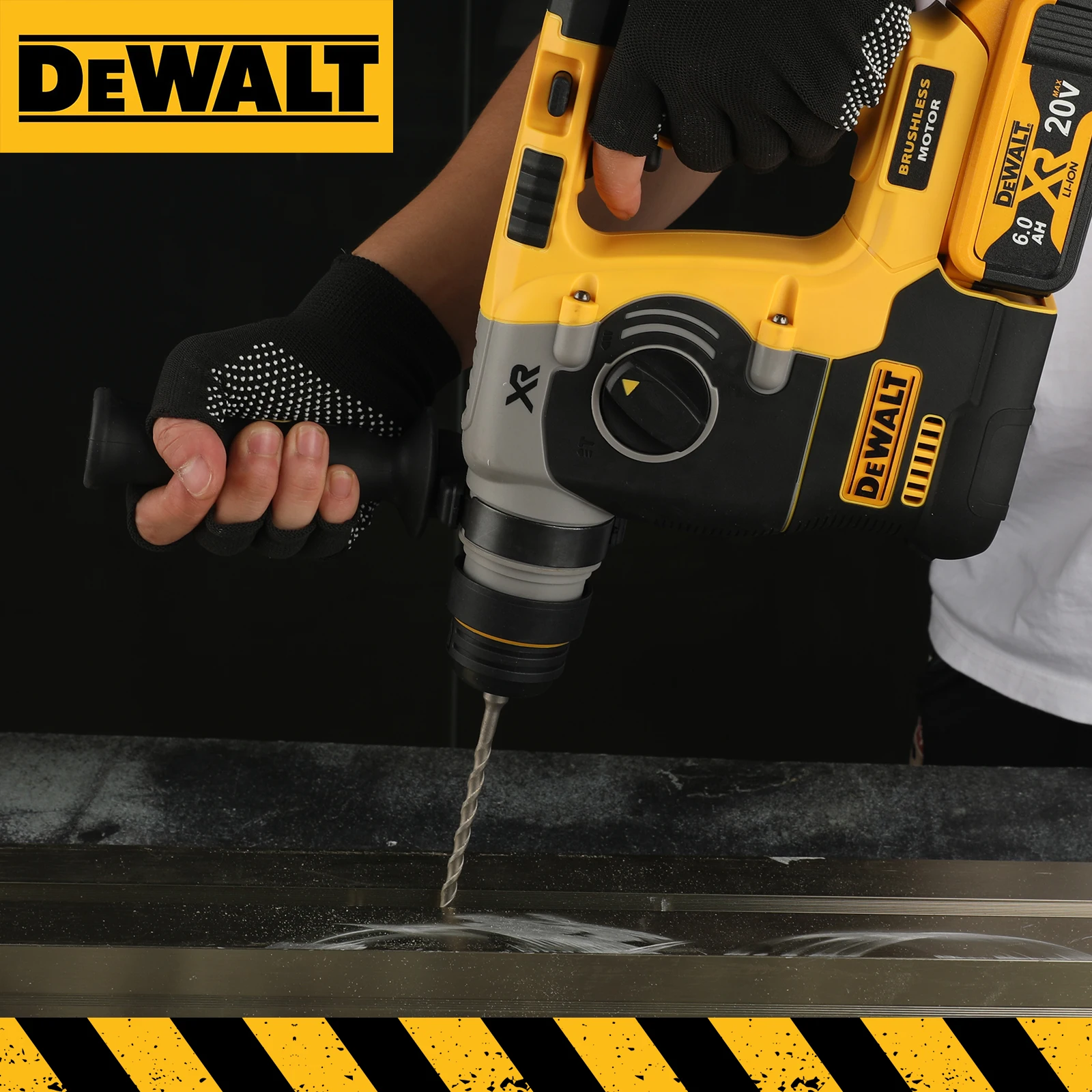
Check the DeWalt Charger First
The charger is one of the easiest parts to test. A faulty outlet, damaged cord, blocked vent, or failed charging circuit can prevent the battery from receiving power.
Try these steps:
• Plug another device into the same outlet to confirm that it works.
• Connect the charger directly to the wall instead of using an extension cord or power strip.
• Unplug the charger for several minutes, then reconnect it.
• Look for cracks, bent pins, loose parts, or burn marks.
• Check whether the charger LED turns on with no battery attached.
• Test the charger with another genuine, compatible DeWalt battery.
If the charger shows no light at all, the outlet or charger may be faulty. If the charger works with another battery, the original battery is the main suspect. If several known-good batteries fail to charge, replace or service the charger.
Do not use a charger that smells burnt, becomes unusually hot, or has damaged wiring. A charger is not worth risking a fire or electric shock. Use the correct DeWalt charger for the battery family, such as 20V MAX or FLEXVOLT, and follow the model instructions.
Inspect the Battery and Contacts
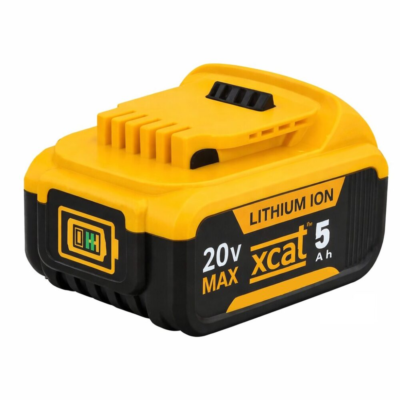
Dirty or damaged contacts are a common reason for a DeWalt drill not charging. Sawdust, drywall dust, grease, and oxidation can block the small metal terminals from making a good connection.
Remove the battery from the charger and inspect the contact area. Look for:
• Dust packed around the terminals
• Bent or pushed-in metal contacts
• Cracks in the battery case
• Swelling or gaps in the housing
• Water, oil, or corrosion
• A strong chemical smell
Clean light dust with a dry, soft brush or clean cloth. A small amount of electronic contact cleaner may help, but let the parts dry fully before charging. Never scrape the terminals with a sharp metal tool while the battery is connected.
Do not open a lithium ion battery pack. The cells can hold a large amount of energy, even when the pack appears dead. A swollen, cracked, leaking, or hot battery should be placed away from flammable materials and handled according to local battery recycling rules.
In my workshop, I once found that a battery was not charging because fine concrete dust had formed a thin layer over the contacts. A dry brush solved the problem in less than a minute. The lesson was simple: check the connection before blaming the electronics.

Let the Battery Reach a Safe Temperature
Temperature can explain why a DeWalt drill not charging works again later. Lithium ion batteries should not be charged when they are very hot or very cold.
A battery may become hot after:
• Driving many large screws
• Drilling thick wood or metal
• Running the drill at high load
• Using the battery in direct sun
• Working in a hot vehicle or enclosed space
Move the battery to a dry room with normal indoor temperatures. Let it rest for 30 to 60 minutes, or longer if it still feels hot. Do not cool it in a freezer, place it on ice, or use a heater to warm it. Fast temperature changes can create moisture and damage the pack.
Cold weather can also delay charging. Bring the battery indoors and allow it to warm naturally. The charger may refuse to charge until the cells reach a safe range. This behavior is a protection feature, not always a defect.
The manufacturer’s safety instructions generally warn users to charge batteries within the recommended temperature range. The exact range can vary, so the manual for your battery model is the best reference.
Test for a Deeply Discharged Battery
A DeWalt drill not charging may have a battery that is deeply discharged. This can happen when the pack is stored empty for a long time or left in a tool until the battery protection system shuts it down.
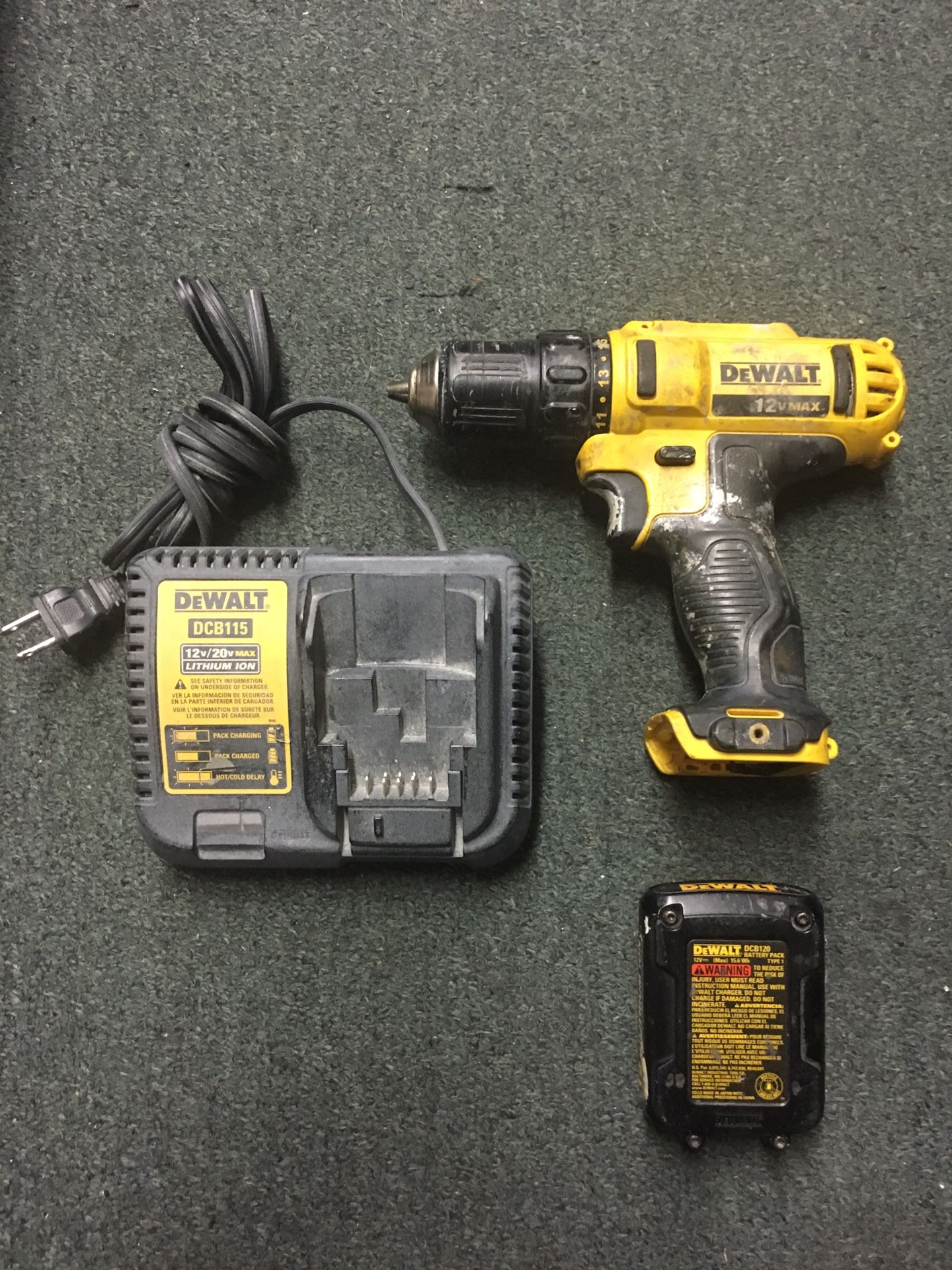
Place the battery on the correct charger for at least 30 minutes. Watch the LED pattern during this time. Some batteries need a short period before the charger recognizes them.
If the charger still shows a fault, try these safe checks:
- Remove the battery and wait five minutes.
- Check the contacts again.
- Reinstall the pack until it clicks firmly.
- Try a second compatible charger.
- Try the battery in a compatible DeWalt tool.
- Compare the result with a known-good battery.
Never “jump start” a DeWalt lithium ion battery with another battery, a car battery, a bench power supply, or loose wires. This can cause overheating, cell damage, fire, or an explosion. It can also bypass the battery management system that protects the cells.
A deeply discharged pack may recover on the correct charger, but not every pack can be saved. If the charger identifies a permanent fault, replacement is usually safer than repair.

Determine Whether the Battery Is Bad
If the charger works with other batteries but not yours, the battery may be worn out or damaged. Battery age, charge cycles, heat, and heavy loads all affect capacity.
Common signs of a failing DeWalt battery include:
• The battery charges very quickly but runs the drill for only a few minutes.
• The battery becomes hot during normal charging.
• The pack shuts off under light pressure.
• The battery case is swollen or cracked.
• The charger rejects the battery every time.
• The battery works only when the cable or pack is held in a certain position.
A battery that charges but loses power quickly is different from a battery that does not charge at all. Both can indicate cell wear, but the first problem is often noticed through short run time and weak power.
Battery age is also important. A pack used daily on construction work may wear out sooner than one used for occasional home repairs. Store batteries in a cool, dry place with a partial charge. Avoid leaving them in a hot truck or in the charger for weeks at a time.
If you need a replacement, match the voltage and battery platform. A 20V MAX battery belongs with compatible 20V MAX tools and chargers. FLEXVOLT packs have special compatibility features, but you should still confirm the exact model before buying.
Check the Drill for Charging Problems
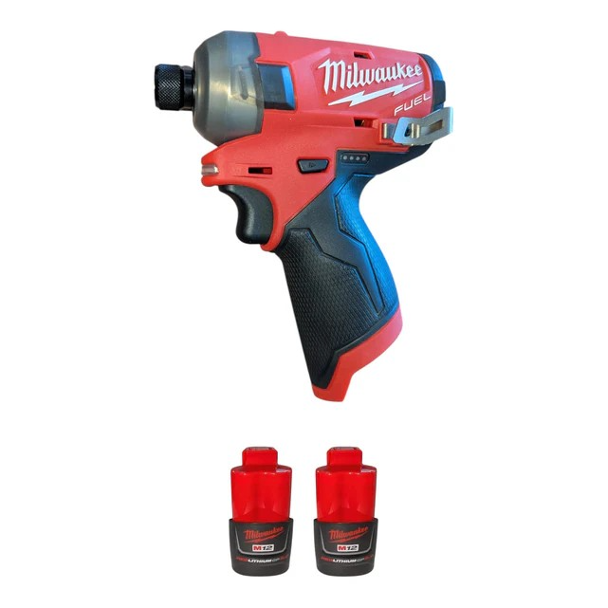
Most DeWalt drills do not charge the battery inside the tool. The battery is removed and placed into a separate charger. However, the drill can still help you diagnose the problem.
Insert the battery into a compatible tool and test the trigger. If the drill runs normally, the battery has at least some useful power. If the tool does not run, try another charged battery in the drill.
This creates a simple test pattern:
| Test result | Most likely cause |
|---|---|
| One battery fails on every charger | Battery fault |
| Several batteries fail on one charger | Charger fault |
| Battery charges but drill will not run | Drill, trigger, or tool fault |
| Battery works only after cleaning | Dirty contacts |
| Battery works after cooling | Temperature protection |
| Charger flashes a fault with one pack | Battery problem or poor contact |
A drill that stops under load may have a motor, switch, or electronic control issue. That is different from a charging fault. Do not assume the charger is bad just because the drill does not start.

Fixes for a DeWalt Drill Not Charging
Once you identify the likely cause, the fix is often clear. Use the safest option that matches the test result.
Try these practical solutions:
- Clean the battery and charger contacts with a dry cloth.
- Move the charger to a known-good wall outlet.
- Let the battery cool or warm to room temperature.
- Reset the charger by unplugging it for several minutes.
- Use the correct charger for the battery platform.
- Replace a damaged charger.
- Replace a swollen, cracked, leaking, or repeatedly rejected battery.
- Contact an authorized service center for a tool or battery under warranty.
Avoid unofficial battery repairs unless you are trained to work with lithium ion packs and have the required safety equipment. A pack may contain multiple cells, a circuit board, thermal sensors, and high-current connections. One mistake can create a serious hazard.
A genuine replacement battery costs more than an unknown compatible pack, but safety and fit matter. Cheap packs may have lower capacity, poor cell matching, weak protection circuits, or inaccurate charge indicators. For regular work, use a reputable battery that matches the tool and charger requirements.
Mistakes to Avoid
When a DeWalt drill not charging causes frustration, people often try risky shortcuts. These actions can damage the battery or create a safety hazard.
Avoid the following:
• Do not force a battery into a charger.
• Do not charge a wet battery.
• Do not cover the charger while it is operating.
• Do not use a battery with a swollen case.
• Do not connect loose wires to the battery terminals.
• Do not mix chargers from unrelated brands.
• Do not leave a damaged battery near heat or flame.
• Do not keep restarting a charger that reports a fault.
One common mistake is testing only one part. For example, a user may buy a new battery when the charger is dead. Testing one known-good battery and one known-good charger gives much better information.
Another mistake is trusting a battery that looks fine. Internal cell damage may not show on the outside. If a battery becomes hot, smells unusual, or behaves unpredictably, stop using it.

How to Prevent Charging Problems
Good storage and charging habits can help prevent a DeWalt drill not charging in the future. The goal is to reduce heat, moisture, deep discharge, and contact damage.
Follow these habits:
• Store batteries indoors in a dry place.
• Keep packs away from direct sun and extreme heat.
• Remove a battery from the drill after demanding work.
• Brush dust from the tool and charger often.
• Charge batteries on a clear, hard surface.
• Use the correct charger and battery combination.
• Do not store packs completely empty for long periods.
• Inspect the case before each charge.
A battery does not need special treatment every day. Simple care is enough. Keep it clean, avoid extreme temperatures, and use the charger made for that battery system.
For long-term storage, follow the battery manual. Many lithium ion packs last better when stored with some charge rather than fully empty. The exact best level depends on the manufacturer and storage period.
When to Contact DeWalt Service
Contact DeWalt support or an authorized service center when basic tests do not solve the issue. Professional service is the right choice for electrical faults, repeated charger errors, warranty questions, and suspected internal battery damage.
Before contacting service, record:
• The drill model
• The battery model
• The charger model
• The LED behavior
• Whether another battery works
• Whether the battery was hot, wet, dropped, or swollen
This information helps the technician narrow down the fault. Keep your receipt if the tool or battery may still be under warranty. Do not dismantle the pack before making a warranty claim.
Stop testing immediately if you see smoke, sparks, leaking fluid, a swollen case, melting plastic, or intense heat. Move away from the battery and follow local emergency and recycling guidance. Lithium ion battery fires can spread quickly, so damaged packs require careful handling.
Frequently Asked Questions About a DeWalt Drill Not Charging
Why is my DeWalt battery flashing on the charger but not charging?
The flashing light may show normal charging, depending on the charger model. If the light pattern continues for hours or changes to a fault signal, check the contacts, battery temperature, and charger compatibility.
How do I reset a DeWalt battery charger?
Unplug the charger from the wall and remove the battery. Wait several minutes, then reconnect the charger and insert the battery firmly. This may clear a temporary detection issue, but it will not repair a damaged battery or charger.
Can I charge a DeWalt battery without a charger?
No safe homemade method should be used. Charge the battery only with a compatible DeWalt charger or an approved charging system designed for that battery.
Why does my DeWalt battery charge but not work in the drill?
The battery may have low capacity, dirty contacts, or an internal fault. Clean the contacts and test another compatible battery in the drill to separate a battery problem from a tool problem.
Can a dead DeWalt battery be brought back to life?
A battery that is only deeply discharged may recover on its correct charger. A swollen, damaged, overheated, or repeatedly rejected battery should not be revived and should be replaced or recycled safely.
How long should a DeWalt battery take to charge?
Charging time depends on battery capacity, charger type, temperature, and battery condition. A larger pack usually takes longer, while a rapid charger may reduce the time; check the manual for the exact model.
Is it safe to leave a DeWalt battery on the charger overnight?
Use the charger as directed and place it on a clear, dry surface. Although modern chargers manage the charging process, long periods of heat, poor ventilation, or a damaged battery can still create risk.
Conclusion
A DeWalt drill not charging is usually linked to a weak battery, dirty contacts, extreme temperature, a bad charger, or a power problem. Test the outlet, charger, battery, contacts, and drill in that order. Never bypass the battery safety system or open a lithium ion pack.
Start with the simple fixes today, then replace only the part that fails testing. If you found another useful solution for a DeWalt drill not charging, share your experience in the comments and explore more cordless tool repair guides.