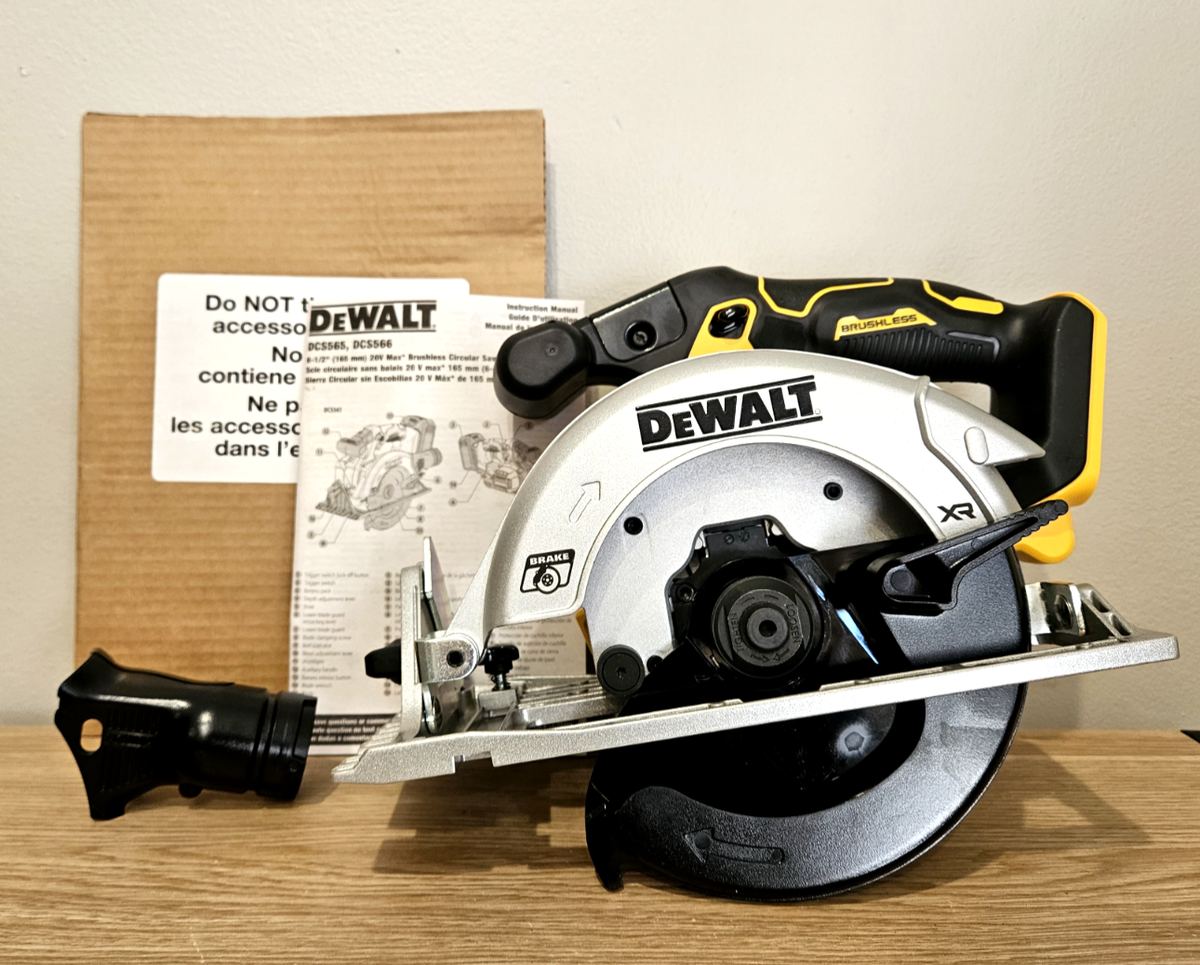
Circular Saw Brake Not Working: Causes And Fixes
A circular saw brake may stop working because of worn brushes, a failed switch, damaged wiring, or an electronic fault.
A nonworking circular saw brake is more than a small fault. It can leave the blade spinning after you release the trigger, which raises the risk of cuts, damaged workpieces, and unsafe handling. This guide explains how the brake works, what causes failure, how to test it safely, and when replacement or professional repair is the right choice.
What a Circular Saw Brake Does
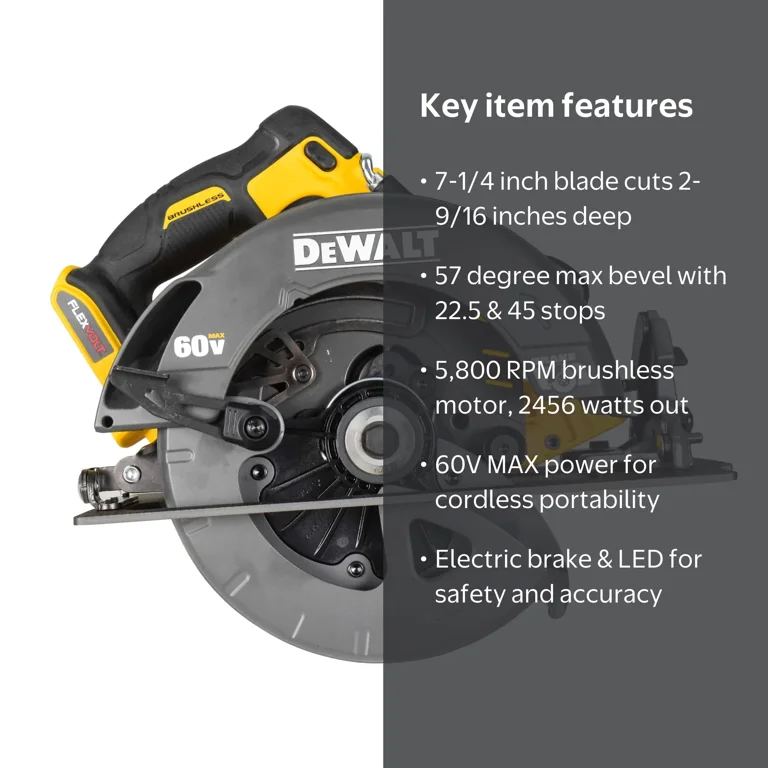
A circular saw brake stops or slows the blade when you release the trigger. On many modern corded and cordless saws, the brake uses the motor’s electrical system to stop the armature quickly. Some saws use a mechanical brake, while others use electronic braking.
An electronic brake may reverse the motor’s electrical field for a brief moment. This creates resistance inside the motor and slows the blade. A mechanical brake may use friction or a spring-loaded part to stop the blade.
The brake does not usually stop the blade at the exact same speed on every saw. Blade size, motor condition, battery charge, temperature, and the type of cut can all affect stopping time.
A working brake is not a substitute for safe work habits. Always keep your hand away from the blade, wait for the blade to stop, and disconnect the power before making adjustments.
Is a Circular Saw Brake Failure Dangerous?
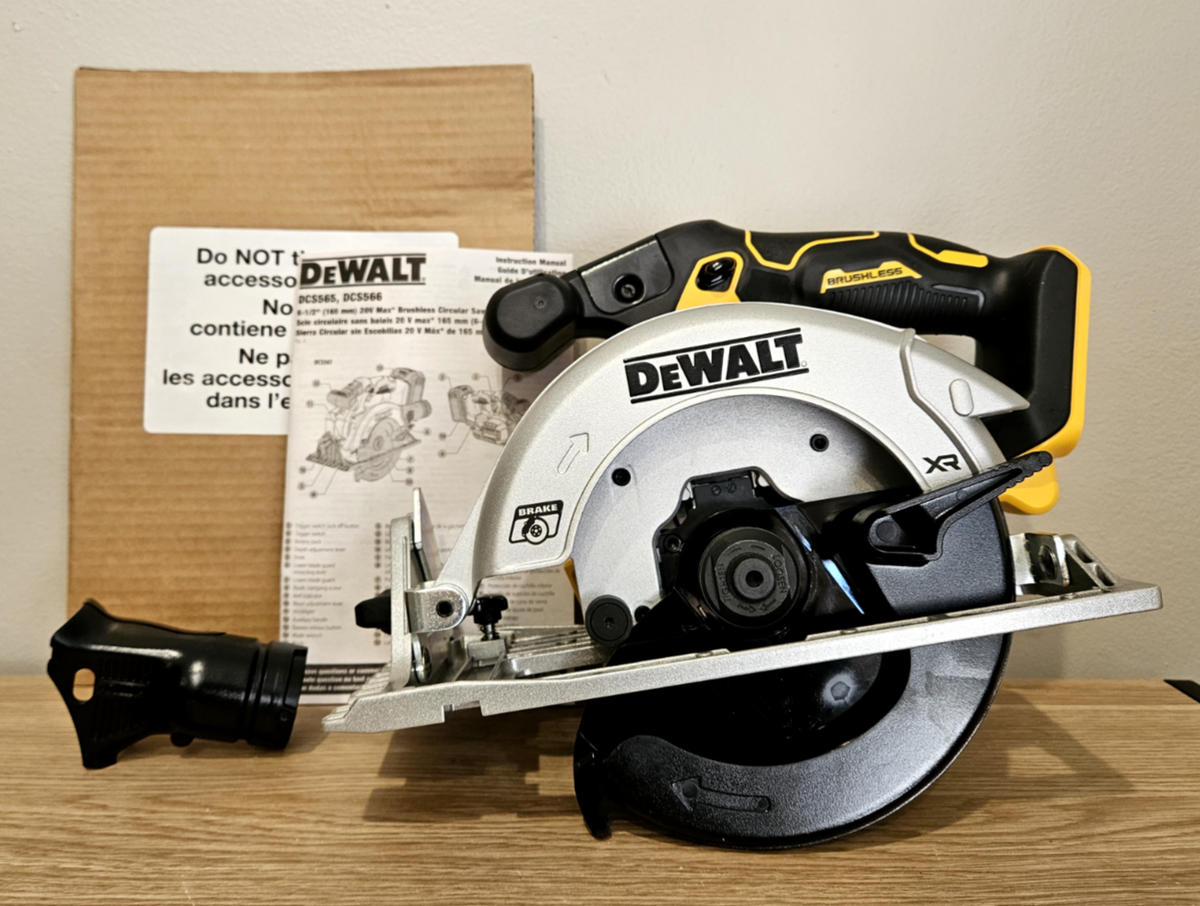
Yes. A circular saw brake not working can make the tool unsafe, especially when you set it down too soon or move it between cuts. The blade may continue to coast for several seconds after the trigger is released.
The risk becomes greater when:
• You work in a crowded area
• You cut overhead or at an awkward angle
• You handle small workpieces close to the blade
• You use a damaged or bent blade
• You assume the brake has stopped the blade without checking
Manufacturers design brakes to improve safety, but no brake should be treated as an instant stop. Workplace safety guidance also stresses the need to disconnect power before servicing a saw and to use proper guards and personal protective equipment.
If the blade keeps spinning much longer than normal, stop using the saw until you identify the fault. Do not hold the blade with a glove, rag, block of wood, or any other object.
Common Reasons a Circular Saw Brake Is Not Working
A circular saw brake not working can come from a simple power issue or a failed internal part. The exact cause depends on the saw design, age, and power source.
Worn carbon brushes
Many brushed motors use carbon brushes to transfer power to the spinning armature. Brushes wear down over time. When they become short, cracked, dirty, or stuck in their holders, the motor may still run but the brake may stop working correctly.
Common signs include:
• The motor sounds rough
• The saw loses power under load
• The brake works only sometimes
• Sparks appear near the motor vents
• The saw smells hot or burnt
Brush replacement is possible on some models. Use only the correct brush set listed for your saw. A brush that fits poorly can damage the commutator or create excess heat.
Faulty trigger switch
The trigger switch controls both motor power and braking in many circular saws. Internal contacts can wear, burn, or become contaminated with dust.
A faulty switch may cause:
• A delayed brake
• A brake that works only when the trigger is released in a certain way
• A motor that keeps running briefly
• No motor response at all
Do not spray general-purpose lubricant into the switch. Some sprays can damage plastics or leave a film that attracts dust.
Damaged wiring
A loose terminal, broken wire, or damaged connector can interrupt the brake circuit. This may happen after years of vibration, repeated cord bending, or a drop.
Corded saws often develop faults near the cord entry point. Cordless saws may have problems around the battery contacts, internal connectors, or control board.
Inspect only after removing the battery or unplugging the saw. Never test exposed wiring while the saw is connected to power unless you are trained to work safely with electrical equipment.
Failed electronic brake module
Many cordless saws use a control board to manage the motor and brake. If the board fails, the saw may run but fail to brake. In some cases, the saw may show an error light or refuse to start.
Electronic modules are sensitive to:
• Moisture
• Metal dust
• Incorrect batteries
• Overheating
• Voltage spikes
A damaged control board is usually not a good part for casual repair. Replacement is often safer and faster than component-level testing.
Battery or power supply problems
A weak battery can cause unusual braking behavior. If the battery voltage drops sharply under load, the controller may not have enough power to apply the brake properly.
Test with a fully charged, manufacturer-approved battery. For a corded saw, check the outlet and extension cord. A long, light-duty extension cord can cause voltage drop and poor motor performance.
The battery may not be the true cause, but testing with a known-good power source helps remove doubt.
Dirty motor or brake contacts
Fine sawdust can enter the motor housing and collect around contacts, vents, and switches. Dust mixed with oil or moisture can form a conductive layer that interferes with operation.
Use clean, dry compressed air if the manufacturer permits it. Do not force dust deeper into the housing, and do not use water or household cleaners inside the saw.
Normal blade coast mistaken for brake failure
Some saws have a strong brake, while others allow a short coast. A blade that turns for a brief moment may still be operating normally.
Compare the saw with the stopping time listed in its manual. If the stopping time has clearly increased, treat the change as a fault rather than assuming it is normal.
How to Diagnose a Circular Saw Brake Not Working
Diagnosis should begin with simple checks. Do not open the housing until you have ruled out the battery, cord, trigger, and blade conditions.
1. Stop using the saw
Release the trigger and place the saw on a stable surface. Keep the blade pointed away from you and wait until it stops on its own.
Remove the battery or unplug the cord before inspection. This step prevents an accidental start while your hands are near the blade.
2. Read the owner’s manual
Look for terms such as:
• Electric brake
• Blade brake
• Brake circuit
• Motor brake
• Controller
The manual may explain the expected stopping time and list approved batteries, brushes, and replacement parts. Model numbers matter because two saws from the same brand may use different brake systems.
3. Test the brake without cutting material
Install the correct blade guard and move the saw to a clear area. With the blade safely away from people and objects, run the saw briefly, then release the trigger.
Watch the blade from a safe position. Do not touch it or lean over the saw. Compare the result with the saw’s normal behavior, not with another model.
If the blade continues spinning for an unusually long time, repeat the test only if the manual allows it. Repeated testing can add heat and stress to a failing motor or controller.
4. Check the battery or cord
For a cordless saw, try a fully charged battery that is approved for the tool. Check for bent contacts, corrosion, cracks, or a loose fit.
For a corded saw, inspect the cord, plug, extension cord, and outlet. Do not use the saw if the cord insulation is cut, crushed, or warm during operation.
5. Inspect the trigger and safety lock
Make sure the trigger moves freely and returns fully when released. A jammed trigger or safety lock can prevent the brake circuit from operating correctly.
Do not bypass the safety lock. If the trigger feels sticky, loose, or unusually hot, stop using the saw.
6. Check for brush access
If your saw has replaceable carbon brushes, inspect them according to the manual. Replace both brushes as a matched set unless the manufacturer gives different instructions.
Do not file, sand, or reshape brushes to make them fit. Incorrect brush contact can cause arcing and motor damage.
7. Look for signs of heat or water damage
A burnt smell, melted plastic, blackened connector, or moisture inside the housing points to a deeper fault. These signs often mean the switch, motor, wiring, or controller needs attention.
At this stage, professional service is usually the safest choice.
How to Fix a Circular Saw Brake Not Working
The correct repair depends on the failed part. Some fixes are simple, but others require electrical testing and model-specific knowledge.
Replace worn carbon brushes
If the manual lists replaceable brushes, disconnect the saw from power and remove the brush caps. Note the position of each brush before removing it.
Install the correct replacements and make sure each brush slides freely in its holder. Refit the caps, then run the saw briefly without cutting to check for unusual noise, heavy sparking, or heat.
A small amount of initial brush noise can occur while new brushes seat. Large sparks, smoke, or a burning smell are not normal.
Replace a damaged trigger switch
A trigger switch often contains several terminals. Take a clear photo before disconnecting anything, but do not rely on the photo alone. Follow the wiring diagram in the service manual.
A switch with burnt contacts or a broken return spring should be replaced, not repaired internally. Use the exact part number whenever possible.
Repair or replace damaged wiring
A damaged cord should normally be replaced as a complete cord assembly. Taping a cut cord is not a safe long-term repair.
Internal wires must have the correct insulation, size, terminals, and routing. A wire pinched under the housing can fail later or touch moving parts.
Replace the electronic controller
If the brake control board has failed, install the correct replacement module. Some cordless tools need a controller that matches the battery system, motor, and firmware.
Do not install a similar-looking board from another model. Even if the saw starts, the brake may still fail or the controller may overheat.
Service the motor
A worn commutator, damaged armature, failed field coil, or bearing problem can affect braking. Motor repair often costs close to the price of a replacement saw.
A professional technician can test motor resistance, brush contact, wiring continuity, and controller output. These tests are more reliable than guessing from sound or smell.

What I Learned From Troubleshooting Saw Brakes
One mistake I often see in shop work is blaming the battery first. A fresh battery can make the motor sound stronger, but it will not repair a worn trigger or failed brake controller.
Another common mistake is opening the saw before taking photos and reading the manual. Small saw housings can contain short wires, springs, and parts that fit in only one direction. A quick photo and a parts diagram can prevent a frustrating reassembly problem.
I also learned not to judge a brake by sound alone. Some saws make a sharp electronic stop sound, while others slow down more quietly. The useful comparison is the blade’s stopping behavior against the manufacturer’s guidance.
My safest rule is simple: if the circular saw brake is not working and the cause is not obvious, retire the tool from service until it is repaired. A saw is not the place to “see if it gets better.”

Can You Keep Using a Saw With a Failed Brake?
You can physically use some saws with a failed brake, but doing so is not a wise safety choice. The brake is part of the saw’s intended protection system, and a failed brake changes how the tool behaves.
Stop using the saw when:
• The blade spins for much longer than normal
• The trigger sticks or feels loose
• The motor sparks heavily
• The saw smells burnt
• The housing becomes unusually hot
• The cord, battery, or connector shows damage
• The blade guard does not move freely
A professional may determine that the saw is safe after repair and testing. Until then, label it as defective and keep it away from normal tools so nobody grabs it by mistake.
How to Prevent Circular Saw Brake Problems
Good care can reduce brake faults, although it cannot prevent every electronic or motor failure.
Keep the saw clean
Brush dust from the housing after use. Keep vents clear so the motor can cool. Use dry air carefully and follow the cleaning instructions in the manual.
Use the correct blade
A dull, warped, or unsuitable blade makes the motor work harder. Extra load creates heat and can shorten the life of brushes, switches, and electronic parts.
Choose the blade size, arbor size, tooth type, and material rating recommended for the saw.
Avoid forcing the cut
Let the blade do the work. Pushing too hard can overload the motor and cause thermal stress. If the saw slows sharply, release the trigger and inspect the cut rather than forcing it.
Protect the battery
Store batteries in a dry place at a moderate temperature. Do not use packs with swelling, leaks, cracked cases, or damaged contacts.
Inspect before each job
Check:
• Blade sharpness
• Blade guard movement
• Trigger action
• Power cord condition
• Battery fit
• Base plate alignment
• Brake stopping behavior
A short inspection can catch a problem before it becomes an injury.
Follow the manufacturer’s service schedule
Some professional saws have brush inspection intervals or service guidance. Keep the manual with the tool, especially if more than one person uses it.
When to Repair or Replace the Saw
Repair makes sense when the saw is high quality, parts are available, and the fault is limited to a switch, cord, brush set, or other low-cost part.
Replacement may be more sensible when:
• The motor and controller both show damage
• The saw has been dropped or flooded
• Parts are discontinued
• Repair cost approaches the price of a new saw
• The blade guard and brake both need major work
• The tool has a history of repeated failures
Do not choose a repair based only on price. Consider the saw’s age, safety condition, warranty, part availability, and expected use.
For a daily-use professional saw, a factory service center may provide better testing and documentation. For occasional home use, a new saw may offer better value if the old one needs several major parts.
Frequently Asked Questions About a Circular Saw Brake Not Working
Why is my circular saw brake not working after I release the trigger?
The most common causes are worn brushes, a faulty trigger switch, damaged wiring, a weak battery, or a failed electronic controller. Check the power source and manual first, then stop using the saw if the blade keeps spinning unusually long.
How long should a circular saw blade spin after the trigger is released?
The exact time depends on the model and brake design. A brief coast can be normal, but a clear change from the saw’s usual stopping time indicates a possible fault.
Can a bad battery cause the circular saw brake not working?
Yes. A weak, damaged, or incorrect battery may prevent the electronic brake from applying correctly. Test the saw with a fully charged, approved battery before replacing internal parts.
Can I replace the circular saw brake myself?
Most circular saws do not use a separate brake part that is easy to replace. The brake may be part of the switch, motor, brush system, or controller, so follow the service manual or use a qualified repair technician.
Is it safe to use a circular saw if the brake does not work?
It is safer not to use it. Disconnect the tool, identify it as defective, and repair or replace the failed part before returning the saw to service.
Why does my saw brake work only sometimes?
Intermittent braking often points to worn brushes, loose wiring, failing switch contacts, dirty connections, or an electronic control fault. Intermittent problems can become complete failures, so do not ignore them.
Conclusion
A circular saw brake not working may result from worn brushes, a faulty switch, damaged wiring, a weak battery, or a failed controller. Start with safe checks, follow the owner’s manual, and never touch the blade while it is moving.
If the cause is not clear, professional testing is the safest path. Repair the saw before using it again, and build a quick brake and blade-guard check into every job. For more tool repair guides and practical workshop tips, explore related resources or share your experience in the comments.