Jigsaw Orbital Action Not Working: Causes And Fixes
A failed orbital action usually points to a speed setting, worn mechanism, blocked switch, or motor fault.
When your Jigsaw orbital action not working, the blade may still move up and down, but it will not swing forward on the return stroke. This can make cuts slow, rough, or harder to control. The good news is that many causes are simple to check, such as the orbital dial, a jammed selector, or packed sawdust. This guide explains how orbital action works, how to test it safely, and when repair or replacement is the wiser choice.

What orbital action does on a jigsaw
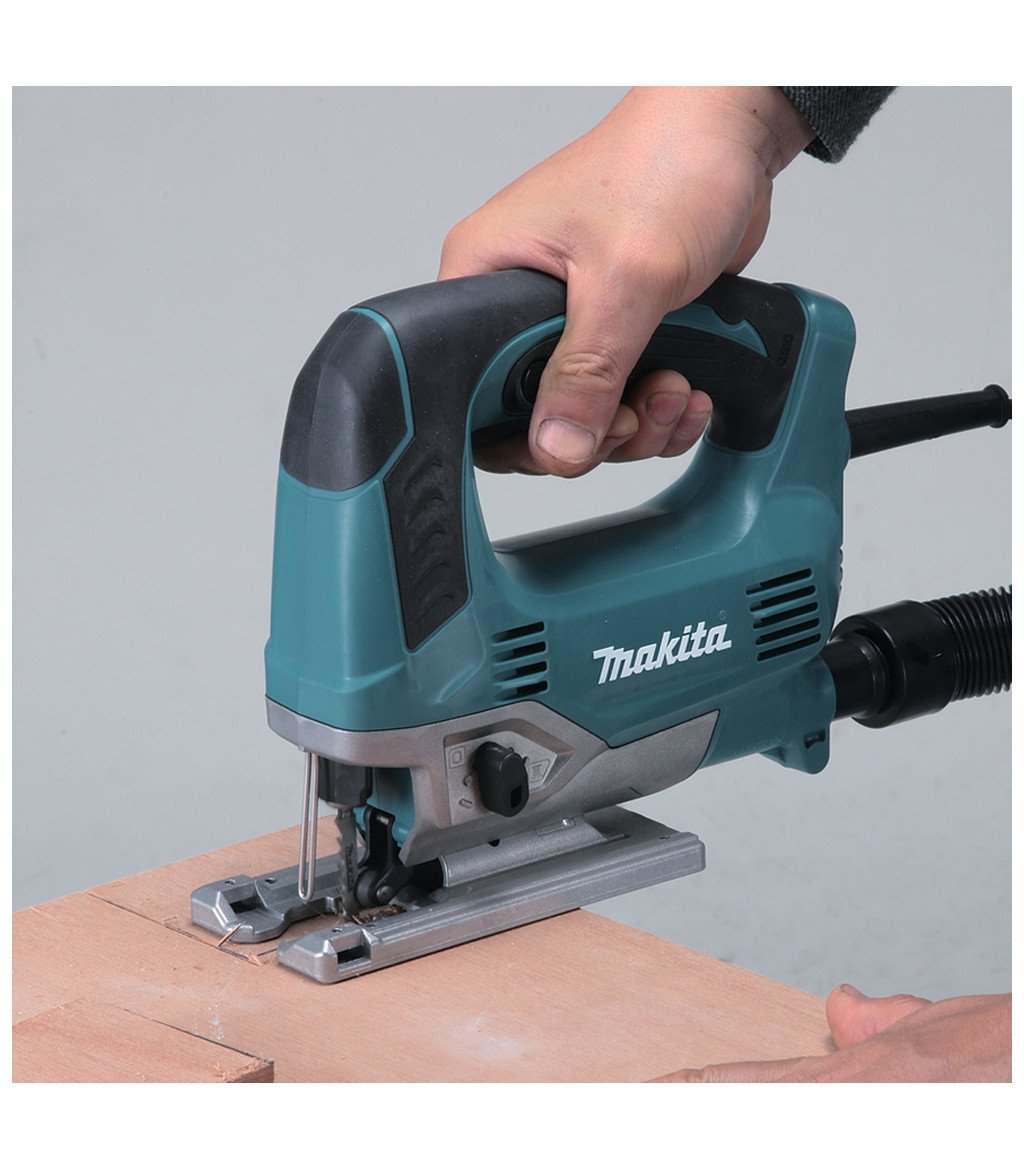
Orbital action is also called pendulum action. In a standard setting, the blade moves mostly up and down. In an orbital setting, the blade also moves slightly forward as it rises and back as it falls.
This extra movement helps the teeth clear sawdust and bite into the workpiece. It can make a jigsaw cut faster, especially in softwood, plywood, and some plastics. However, it can also make the cut rougher.
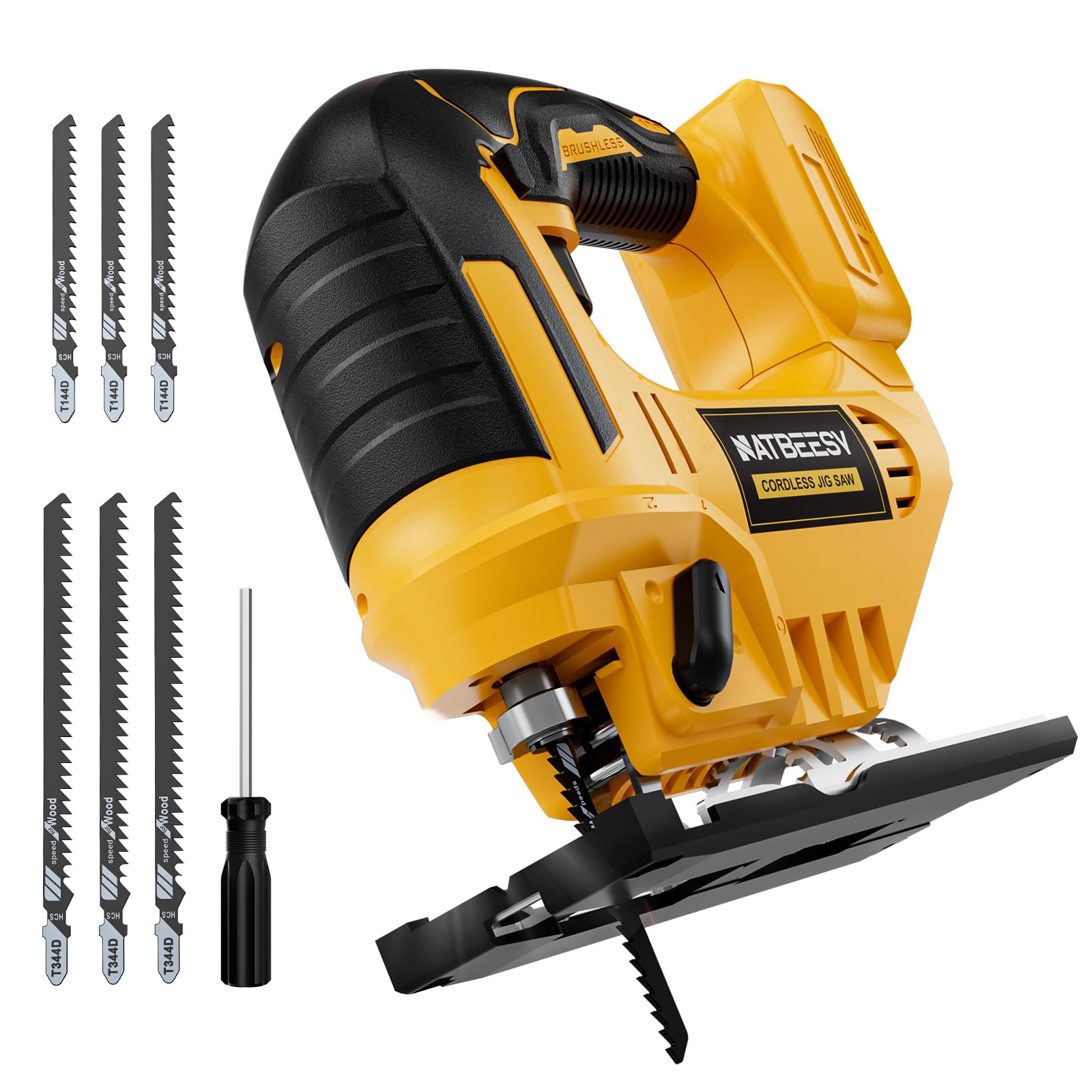
Most jigsaws have a selector marked with numbers, such as 0 through 3. The settings usually work like this:
• 0: Straight up-and-down cutting with the smoothest result
• 1: Mild orbital movement for cleaner general cuts
• 2: Medium orbital movement for faster wood cutting
• 3: Maximum orbital movement for fast, rough cuts in soft material
The exact system differs by brand and model. A jigsaw with the orbital selector set to 0 may appear to have a fault even when it is working correctly. Always check the manual before assuming the mechanism has failed.
Why is my Jigsaw orbital action not working?
The most common reason is a selector problem. The dial may be set to 0, stuck between settings, or unable to move the internal pendulum plate.
Other causes include sawdust buildup, a bent internal link, worn gears, a damaged selector lever, or a motor and gearbox fault. On some models, the blade guide or shoe can also hide the movement, making the orbital action seem weaker than it is.
Here are the main causes to consider:
• Orbital selector set to zero: The blade will cut without pendulum movement.
• Jammed selector: Fine dust can collect around the control and stop it from moving fully.
• Broken selector linkage: The external dial may turn, but the internal mechanism may not respond.
• Worn pendulum plate or pivot: The blade carrier may no longer move forward correctly.
• Damaged gear or eccentric cam: The motor may run, but the orbital motion may be lost.
• Heavy blade pressure: Pushing too hard can reduce the visible forward movement.
• Wrong blade or material: A fine blade in thick hardwood may make normal orbital action seem ineffective.
• Internal electrical fault: A weak motor can lack the power needed to drive the mechanism properly.
A useful clue is whether the blade still moves up and down. If it does, the motor may be healthy and the fault may be limited to the orbital mechanism. If the jigsaw also loses speed, smells hot, sparks heavily, or makes a grinding sound, stop using it.
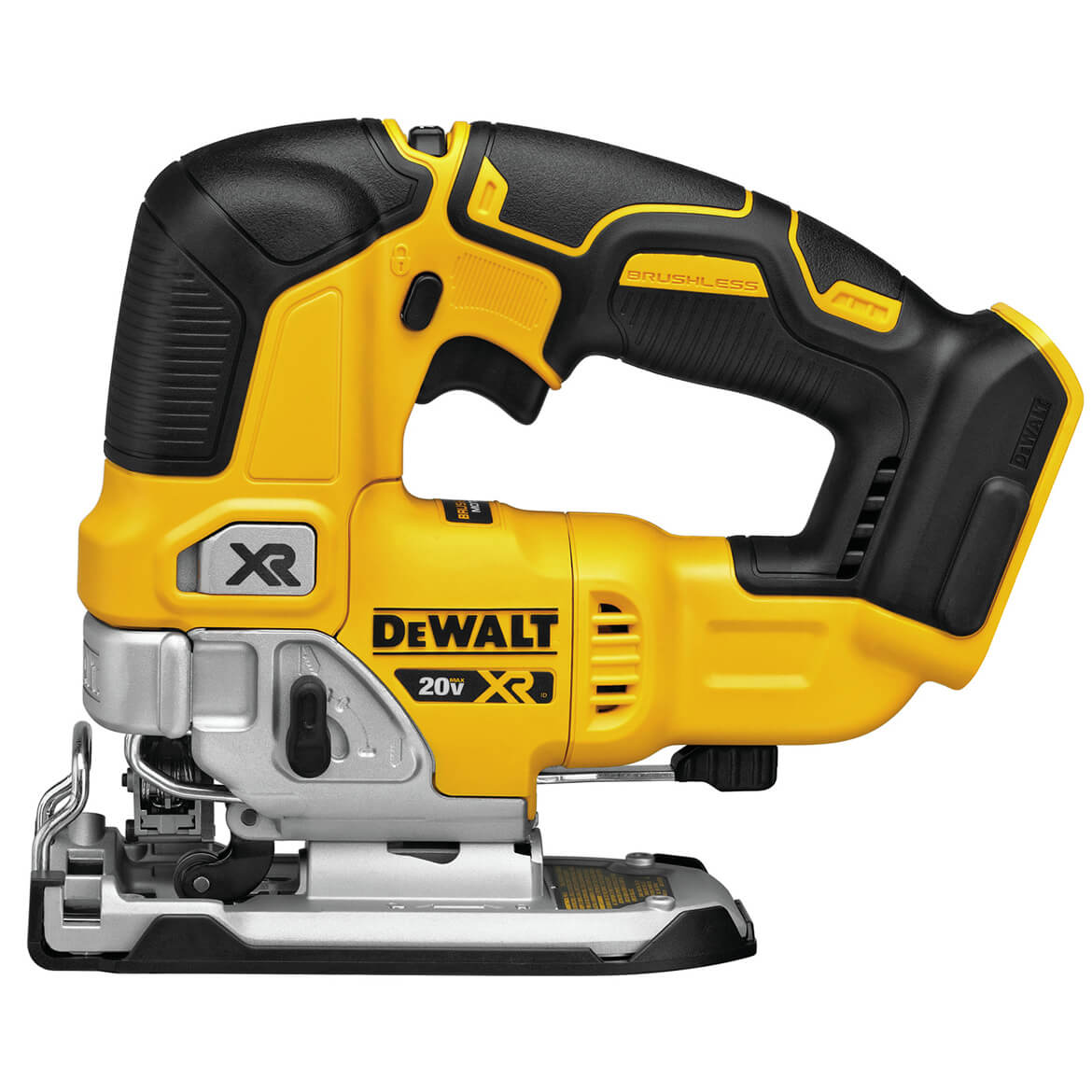
How to check the orbital selector
Start with a safe visual check. Disconnect the power cord or remove the battery before touching the selector, blade, shoe, or housing.
Turn the orbital dial slowly through each setting. It should move with clear stops or clicks. Do not force it. A selector that feels loose, gritty, or unusually stiff may indicate a broken control or debris inside the housing.
Next, inspect the markings. Some tools use a swinging lever instead of a numbered dial. Make sure the control is fully in position and not resting between two settings.
If the selector moves freely, reconnect the tool and test it in the air for only a few seconds. Keep the blade pointed away from your hands and body. Compare setting 0 with the highest setting. The forward swing may be small, but it should be noticeable when viewed from the side.
Never test a jigsaw with the housing open while it is connected to power. Exposed moving parts can cause serious injury.

A safe step-by-step diagnosis
Use this process when your Jigsaw orbital action not working. It helps separate a simple setting issue from an internal repair.
1. Disconnect the tool
Unplug the jigsaw or remove its battery. Wait for the blade to stop fully. Remove the blade if the tool design allows it and you need a closer inspection.
2. Check the blade and blade holder
A bent blade can create odd movement and poor cuts. Look for bent teeth, a loose shank, or a blade that does not sit straight in the holder.
A damaged blade does not usually stop orbital action, but it can make the action hard to judge. Fit a sharp, straight blade that matches the material.
3. Inspect the shoe and guide area
Look for packed sawdust near the blade guide, shoe, and front of the housing. Use a soft brush or low-pressure air to clear loose dust.
Avoid forcing a screwdriver into the mechanism. This can damage the guide, scratch moving parts, or push debris deeper inside.
4. Test each orbital setting
Use a scrap piece of softwood. Set the selector to 0 and make a short cut. Then try the highest setting with the same blade and similar pressure.
The higher setting should usually cut more aggressively and leave larger chips. If the cut looks exactly the same at every setting, the selector or pendulum system may not be working.
5. Listen for unusual sounds
A clicking, grinding, rattling, or scraping noise suggests a mechanical problem. A burning smell or heavy sparking suggests an electrical or motor issue.
Stop the test at once if the tool becomes hot very quickly. A small amount of warmth is normal, but rapid overheating is not.
6. Check the manual
Look for the model number on the tool label. The manual can show the correct selector position, approved blade types, and parts that can be serviced by the user.
This step matters because some compact jigsaws have limited orbital movement by design. They may never show the strong pendulum motion found on larger wood-cutting models.
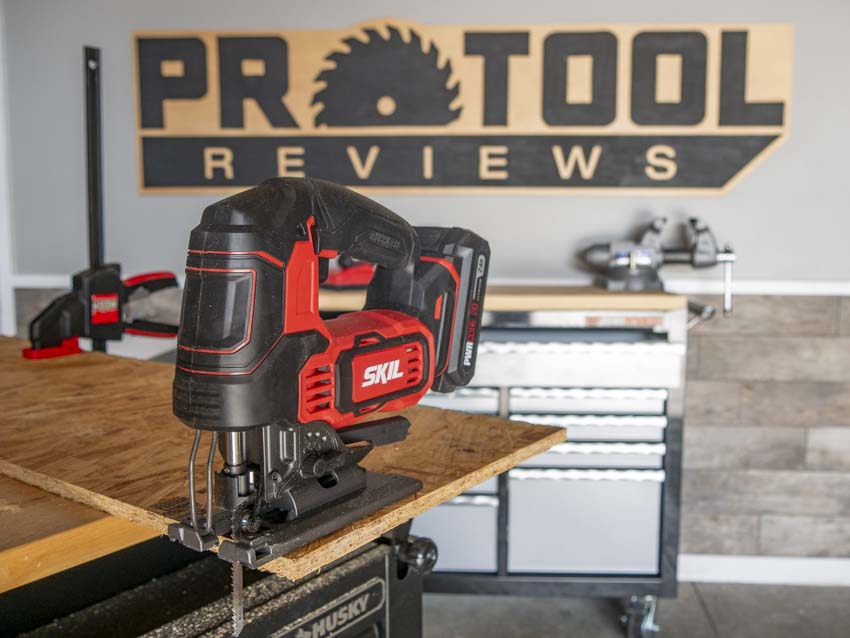
Cleaning and freeing a stuck orbital mechanism
If dust is the likely cause, clean the outside of the tool first. Remove the battery or unplug the cord. Brush around the selector and blade guide, then use gentle compressed air if the manufacturer permits it.
Do not spray oil, water, or general-purpose cleaner into the switch or motor housing. Fluids can damage insulation and collect more dust. Lubrication is also model-specific, so use only the product and location listed in the manual.
Move the selector through its range after cleaning. If it remains stuck, do not force it. A seized pivot or broken linkage may need a new part.
Some users remove the side cover to inspect the pendulum plate. That should only be done if the manual supports it and you are comfortable with tool repair. Opening the housing can affect warranty coverage and may expose live electrical parts.
A practical workshop lesson is simple: clean dust before replacing parts. Many apparent failures come from debris around small controls. Yet cleaning will not fix a cracked cam, worn gear, or damaged switch.

Common mistakes that make orbital action seem faulty
Many cutting problems are blamed on the tool when the real issue is setup. Avoid these common mistakes:
• Using orbital action on metal: Metal cutting usually needs setting 0 and the correct fine-tooth blade.
• Expecting a smooth cut on setting 3: Maximum orbital action favors speed, not a clean edge.
• Pushing too hard: Excess force can slow the blade and mask the pendulum effect.
• Using a dull blade: A dull blade creates heat, vibration, and slow progress.
• Choosing the wrong blade length: A blade that is too short may not clear the material properly.
• Cutting thick hardwood with a softwood setting: High orbital action may cause rough cuts and extra strain.
• Ignoring the shoe angle: A tilted shoe can make the blade appear to track badly.
• Testing on a curved cut: Curves often require lower orbital action for better control.
The best setting depends on the material, thickness, blade, and finish you need. For example, a fast rough cut in pine may suit setting 2 or 3. A clean cut in laminated board may need setting 0 or 1.

When the orbital mechanism needs repair
A repair is more likely when the selector moves but produces no change in blade behavior. It is also likely when the tool makes a clicking noise, the selector feels detached, or the blade carrier moves sideways.
Possible failed parts include:
• Pendulum lever
• Selector knob or switch
• Eccentric cam
• Pivot pin
• Blade guide assembly
• Gearbox component
• Internal spring
Do not keep using the tool if a part is visibly cracked or loose. A damaged mechanism can affect blade control and may cause the blade to break.
For a corded jigsaw, unplugging the tool is not enough if you are not trained to work on electrical equipment. For a cordless model, removing the battery reduces risk but does not remove every mechanical hazard.
Contact an authorized service center when the tool is under warranty, the motor is sparking, or replacement parts are difficult to identify. A repair may be worthwhile for a high-quality jigsaw, but a low-cost tool may cost nearly as much to repair as to replace.

Can you use a jigsaw without orbital action?
Yes. A jigsaw can make accurate cuts with orbital action turned off. The straight cutting mode is often better for metal, thin materials, tight curves, veneer, and jobs that need a cleaner edge.
Orbital action is a performance feature, not a requirement for basic jigsaw work. If the blade moves normally and the tool cuts well at setting 0, you can still complete many projects safely.
The limitation is speed. Straight cutting may take longer and can create more heat in some wood-cutting tasks. Let the blade do the work, and avoid forcing the tool through the material.

How to prevent future orbital action problems
Good care can reduce dust-related faults and extend the life of the mechanism. Clear dust after each project, especially when cutting MDF, particleboard, or drywall.
Use sharp blades and match the blade to the material. Keep the shoe flat on the workpiece, and use steady pressure rather than force. Store the tool in a dry place with the selector in a normal position.
Helpful habits include:
• Clean the air vents after use.
• Inspect the blade guide for packed dust.
• Avoid dropping the tool on the selector side.
• Do not turn the orbital control while the tool is running unless the manual allows it.
• Keep the tool dry and away from damp storage areas.
• Replace worn blades early.
• Record the model number before ordering parts.
Manufacturers generally treat sawdust removal, correct blade use, and proper storage as basic maintenance. These small steps are cheaper than replacing a gearbox.
A practical decision guide
Use the following guide to choose your next step:
-
The selector is set to 0: Set it to 1, 2, or 3 and test the tool.
-
The selector is stiff: Disconnect power and clean around it gently.
-
The blade is bent or dull: Install a new blade and retest.
-
The tool cuts but settings feel identical: Suspect the selector linkage or pendulum mechanism.
-
The tool grinds, sparks, or smells hot: Stop using it and seek professional service.
-
The tool is under warranty: Do not open the housing before checking warranty terms.
-
The repair cost is high: Compare the estimate with the price of a reliable replacement.
This process prevents two common errors: replacing a working tool because of a wrong setting, or continuing to use a damaged tool because it still runs.
Frequently Asked Questions About Jigsaw orbital action not working
Why is my jigsaw blade moving but not making an orbital cut?
The orbital selector may be set to 0, or the internal pendulum linkage may be disconnected. Check the selector and test the tool on a scrap of wood using a sharp blade.
Can a dull blade stop orbital action?
A dull blade usually does not stop the mechanism, but it can make the action difficult to notice. Replace the blade before diagnosing an internal fault.
Is orbital action needed for every jigsaw cut?
No. Straight cutting is often best for metal, tight curves, thin materials, and clean edges. Orbital action is mainly useful for faster cuts in many wood products.
Can sawdust cause the orbital selector to fail?
Yes. Fine dust can pack around the selector, pivot, or linkage and restrict movement. Disconnect the tool, brush away loose dust, and avoid spraying liquid into the housing.
Should I open my jigsaw to fix the orbital mechanism?
Only if the manual permits it and you understand the safety risks. If the tool is under warranty or has electrical symptoms, use an authorized repair service.
Why does orbital action work on one setting but not another?
The selector may be worn, partially blocked, or misaligned. A damaged cam or linkage can allow limited movement while preventing the higher settings from operating correctly.
Can I keep using a jigsaw if the orbital action does not work?
You can often use it in setting 0 if the blade runs smoothly and the tool shows no heat, smoke, grinding, or electrical fault. Stop using it if the tool behaves unpredictably or has damaged parts.
Conclusion
When your Jigsaw orbital action not working, begin with the simple checks: confirm the selector setting, inspect the blade, clear dust, and test on scrap wood. If every setting behaves the same, or the tool grinds, sparks, or overheats, the pendulum mechanism or motor may need professional repair.
Orbital action improves cutting speed, but it is not essential for every job. Use the right blade, choose the correct setting, and never force a tool that shows signs of damage. If this guide helped, share your model and symptoms in the comments, or explore your manufacturer’s service information before ordering parts.